Jul 29, 2026 · 4 min read · Convert
Word to PDF Without Uploading Your .docx Anywhere
DOCX files reflow on every machine they visit; PDFs don’t. Before a CV or contract leaves you, it should be frozen. Every popular “free Word to PDF” site does this by taking your document; this one does it without any network at all.
How to use it
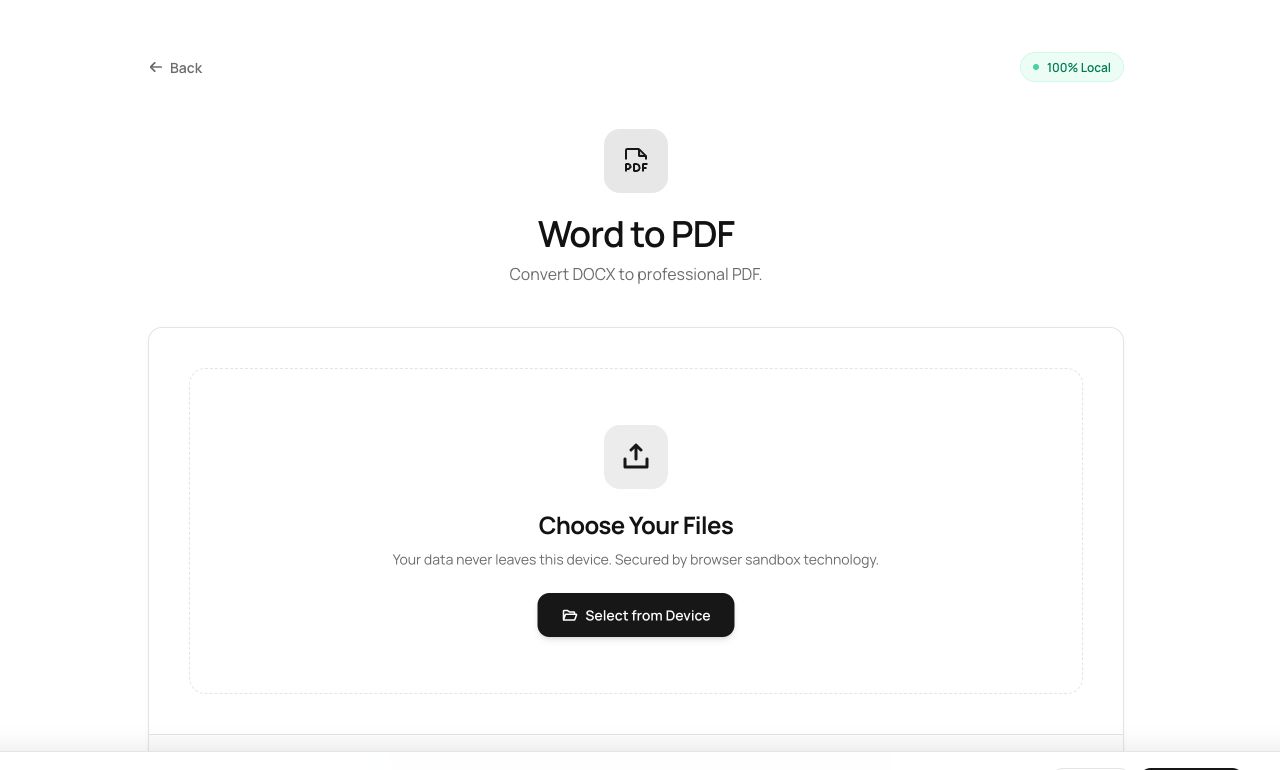
- Open Word to PDF and choose the .docx.
- Process - the document is parsed and typeset in your tab.
- Download the PDF and check the layout.
Try it now: open the Word to PDF tool - no account, no upload, free.
What happens under the hood
The file is parsed by Mammoth (a DOCX interpreter running in JavaScript), converted to structured HTML, and typeset into paginated PDF - all three stages inside your browser. Standard formatting - headings, bold/italic, lists, alignment - travels faithfully.
Tips for better results
- Documents with intricate Word-specific layout (text boxes, WordArt, complex tables) simplify in translation - check the output before sending.
- Fonts are substituted with equivalents; if exact corporate type matters, export from Word itself and use the other 62 tools here for everything after.
Privacy, in one sentence
Your file is read into your browser's memory, processed there by JavaScript and WebAssembly, and handed back to you as a download - no server ever sees a byte of it. Close the tab and nothing remains.