Jul 26, 2026 · 4 min read · Security
Watermarking PDFs: CONFIDENTIAL, DRAFT, and Doing It Right
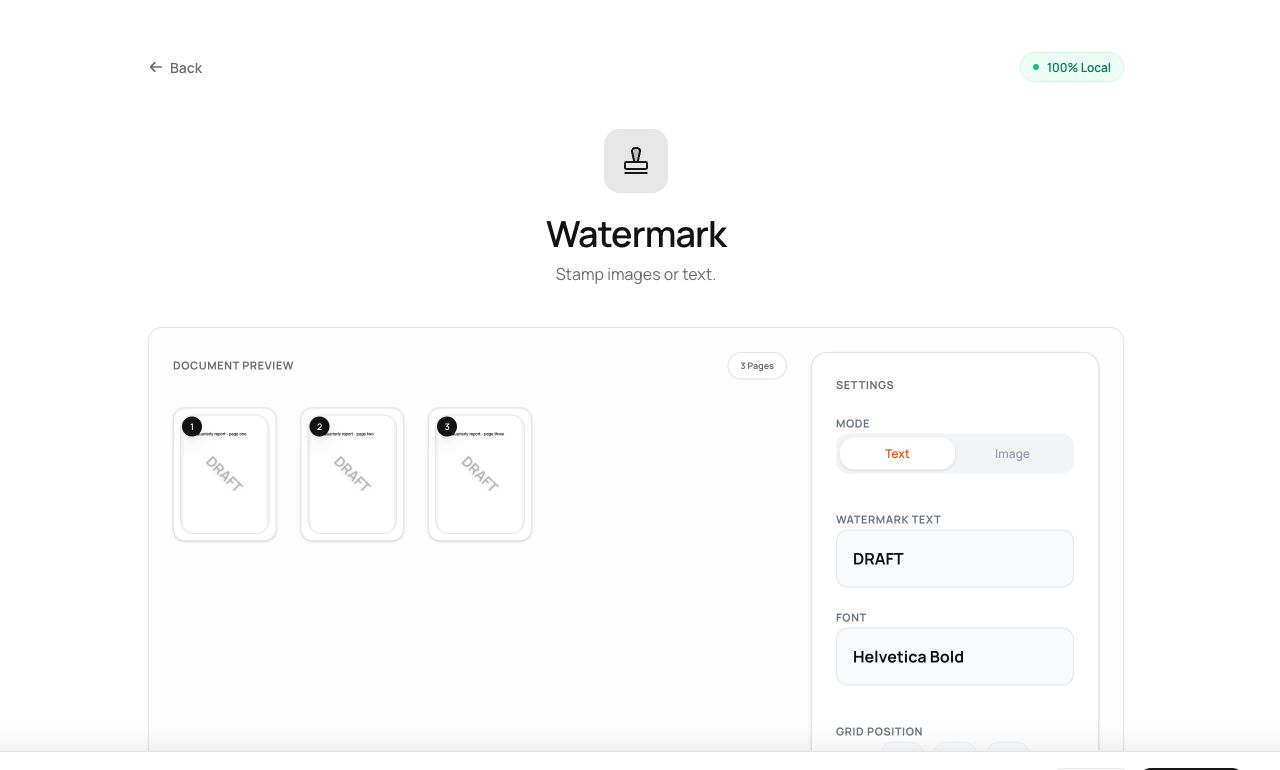
DRAFT across a work-in-progress, CONFIDENTIAL over a board pack, a client name tiled on a proposal - watermarks declare a document’s status and origin at a glance.
How to use it
- Open Watermark PDF and choose the document.
- Type the stamp text (or pick an image), then set position, tiling, angle and opacity - the preview updates live.
- Process and download.
Try it now: open the Watermark PDF tool - no account, no upload, free.
What happens under the hood
The watermark is drawn into each page’s content stream as real vector text or embedded image with transparency - not an annotation a reader can hide or remove with one click. Tiled mode repeats the stamp diagonally across the full page.
Tips for better results
- 30-40% opacity at 45° is the classic: unmistakable without fighting the text.
- Be honest about the threat model: a watermark deters casual re-use and mislabeled forwarding; it doesn’t stop a determined editor.
Privacy, in one sentence
Your file is read into your browser's memory, processed there by JavaScript and WebAssembly, and handed back to you as a download - no server ever sees a byte of it. Close the tab and nothing remains.