Jul 20, 2026 · 3 min read · Edit
Watermarking Photos Before They Travel
Photos travel without their credits. A watermark isn’t DRM - it’s a name tag that survives right-click-save and casual reposting.
How to use it
- Open Watermark Image and choose the photo.
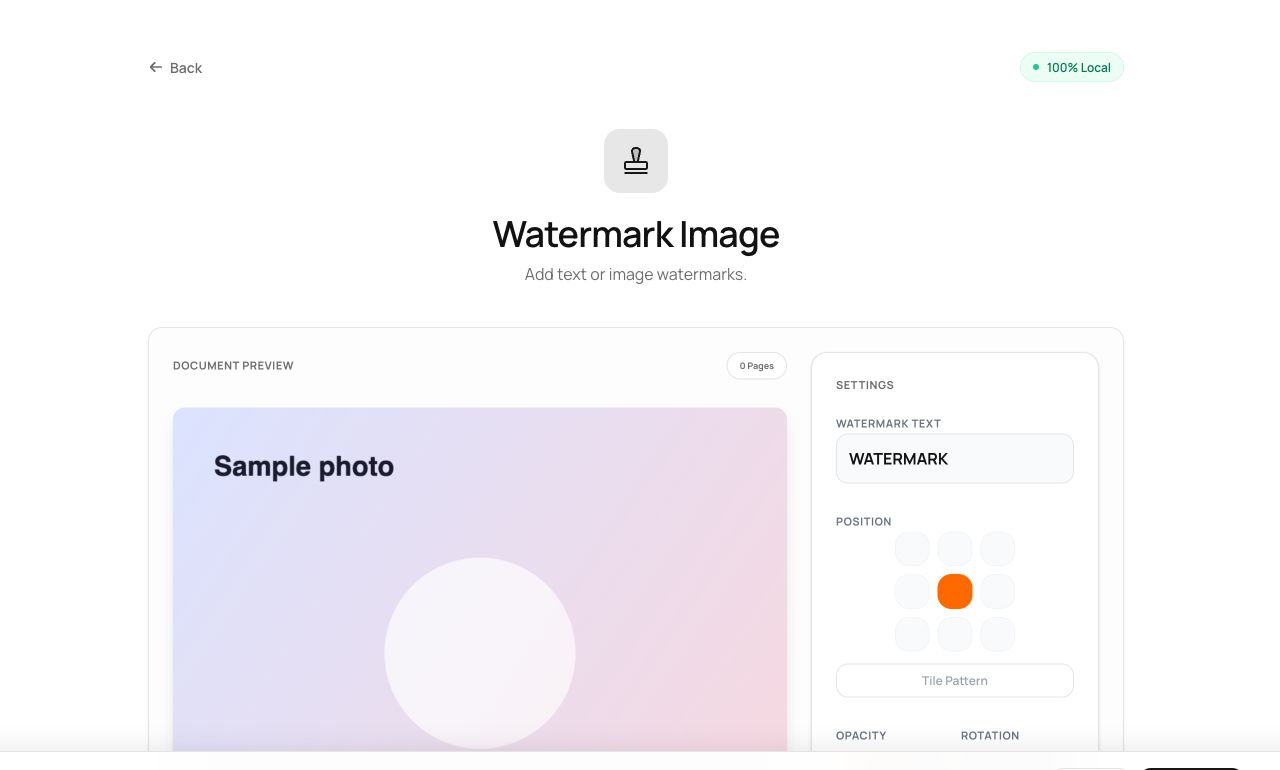
- Set your text, position or tiling, and opacity - previewed live.
- Process and download.
Try it now: open the Watermark Image tool - no account, no upload, free.
What happens under the hood
The watermark is composited into the pixels at your chosen opacity - part of the image, not a layer to toggle off. Tiled placement covers the frame so a crop can’t simply cut the credit away.
Tips for better results
- Corner placement stays polite; tiling is for images you expect to be lifted.
- Watermark the shared copies; archive originals clean.
Privacy, in one sentence
Your file is read into your browser's memory, processed there by JavaScript and WebAssembly, and handed back to you as a download - no server ever sees a byte of it. Close the tab and nothing remains.