Aug 02, 2026 · 3 min read · Tips
Controlling How a PDF Opens: Bookmarks, Fit, Layout
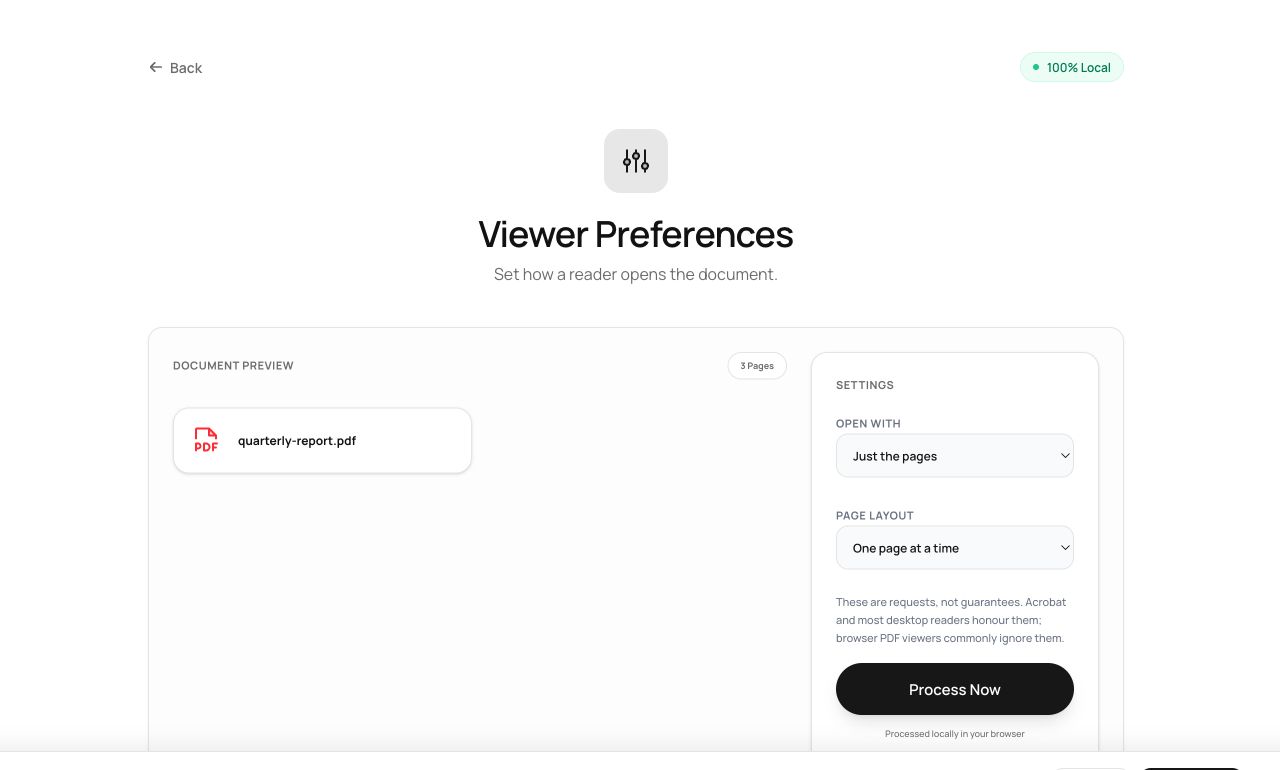
A PDF can politely tell its reader how to open: with the outline showing, fit to the window, toolbar hidden. Small flags, big difference in how professional a distributed document feels.
How to use it
- Open Viewer Preferences and choose the PDF.
- Pick the behaviors: open with bookmarks or thumbnails, fit the window, hide toolbars.
- Process - the preferences are stored in the file itself.
Try it now: open the Viewer Preferences tool - no account, no upload, free.
What happens under the hood
These settings are entries in the PDF’s catalog dictionary (/PageMode, /ViewerPreferences). Readers that honor the standard - most do - apply them on open. They’re requests, not enforcement: a user can always override.
Tips for better results
- Set “open with bookmarks” on anything with an outline; it’s the single highest-value flag.
- Full-screen mode suits slide-style PDFs meant to be presented rather than read.
Privacy, in one sentence
Your file is read into your browser's memory, processed there by JavaScript and WebAssembly, and handed back to you as a download - no server ever sees a byte of it. Close the tab and nothing remains.