Jul 21, 2026 · 3 min read · Edit
Enlarging Small Images Cleanly in the Browser
The logo only exists at 200px; the print job wants 800. Upscaling can’t invent detail, but done well it can enlarge without the crunchy pixelation of a naive resize.
How to use it
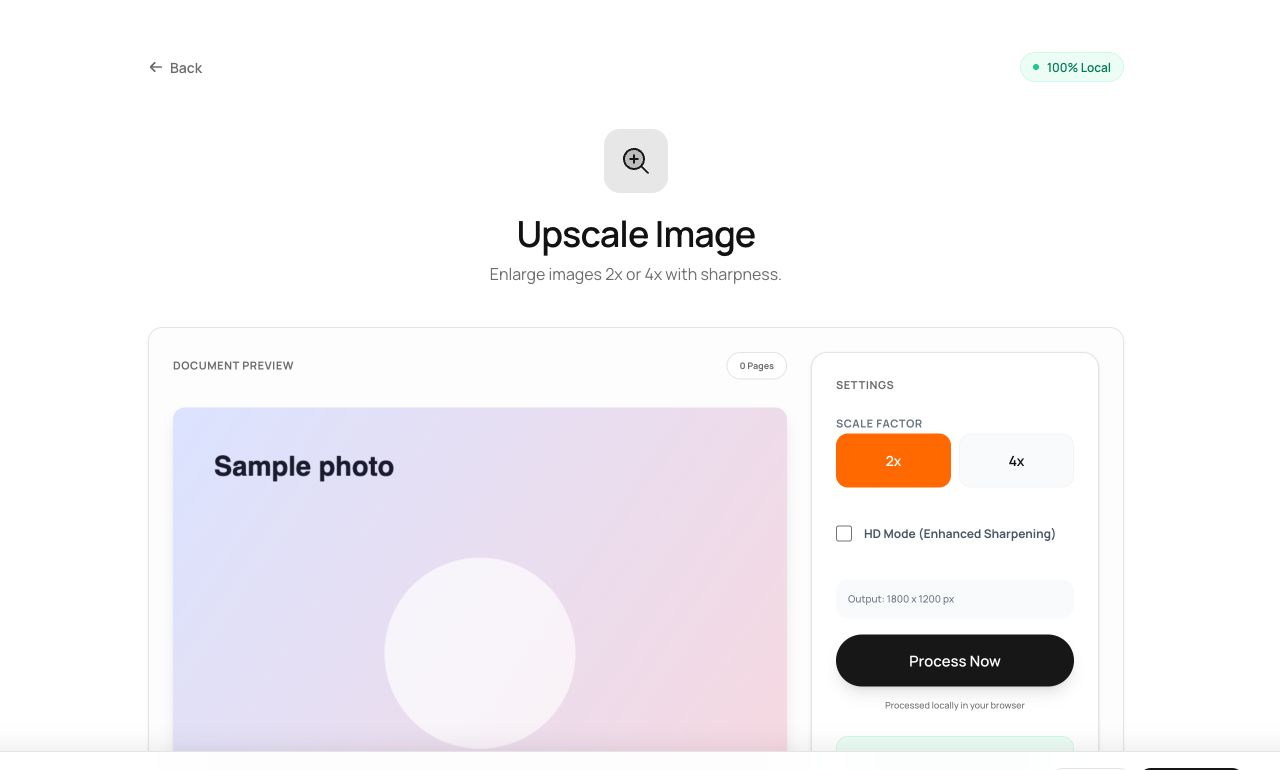
- Open Upscale Image and choose the picture.
- Pick 2× or 4×.
- Process and download the enlarged image.
Try it now: open the Upscale Image tool - no account, no upload, free.
What happens under the hood
The image is enlarged with high-quality smooth interpolation - edges stay clean rather than staircased. It’s honest interpolation, not hallucination: graphics and logos fare best, heavily-detailed photos gain size more than sharpness.
Tips for better results
- Upscale once to final size; repeated small upscales compound softness.
- If the original exists somewhere bigger, finding it beats any upscaler.
Privacy, in one sentence
Your file is read into your browser's memory, processed there by JavaScript and WebAssembly, and handed back to you as a download - no server ever sees a byte of it. Close the tab and nothing remains.