Jul 28, 2026 · 3 min read · Convert
Turning Plain Text Into a Paginated PDF
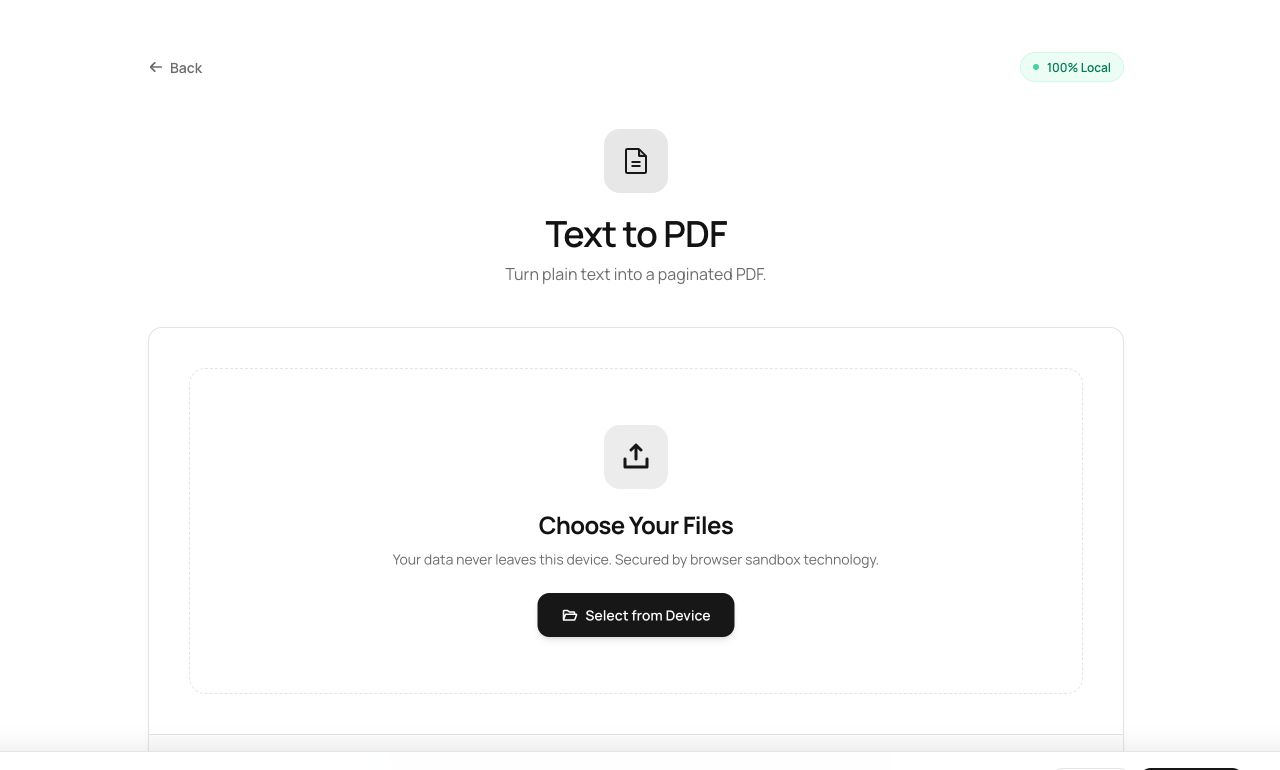
Sometimes the document is just words you have right now - a statement, a list, a letter - and opening a word processor feels like ceremony. Paste, convert, done.
How to use it
- Open Text to PDF and paste or type your text.
- Process - the text is set with margins, a readable size and automatic page breaks.
- Download the PDF.
Try it now: open the Text to PDF tool - no account, no upload, free.
What happens under the hood
The tool measures and wraps your text against real font metrics, lays it out line by line with proper margins and leading, and starts new pages exactly where needed. It is a tiny typesetter, not a screenshot of a textarea.
Tips for better results
- Blank lines become paragraph breaks - structure your text and the PDF follows.
- Great with Password Generator + Protect PDF for sending a credential or note as an encrypted document.
Privacy, in one sentence
Your file is read into your browser's memory, processed there by JavaScript and WebAssembly, and handed back to you as a download - no server ever sees a byte of it. Close the tab and nothing remains.