Jul 28, 2026 · 3 min read · Convert
SVG to PDF: Vector Graphics That Stay Sharp
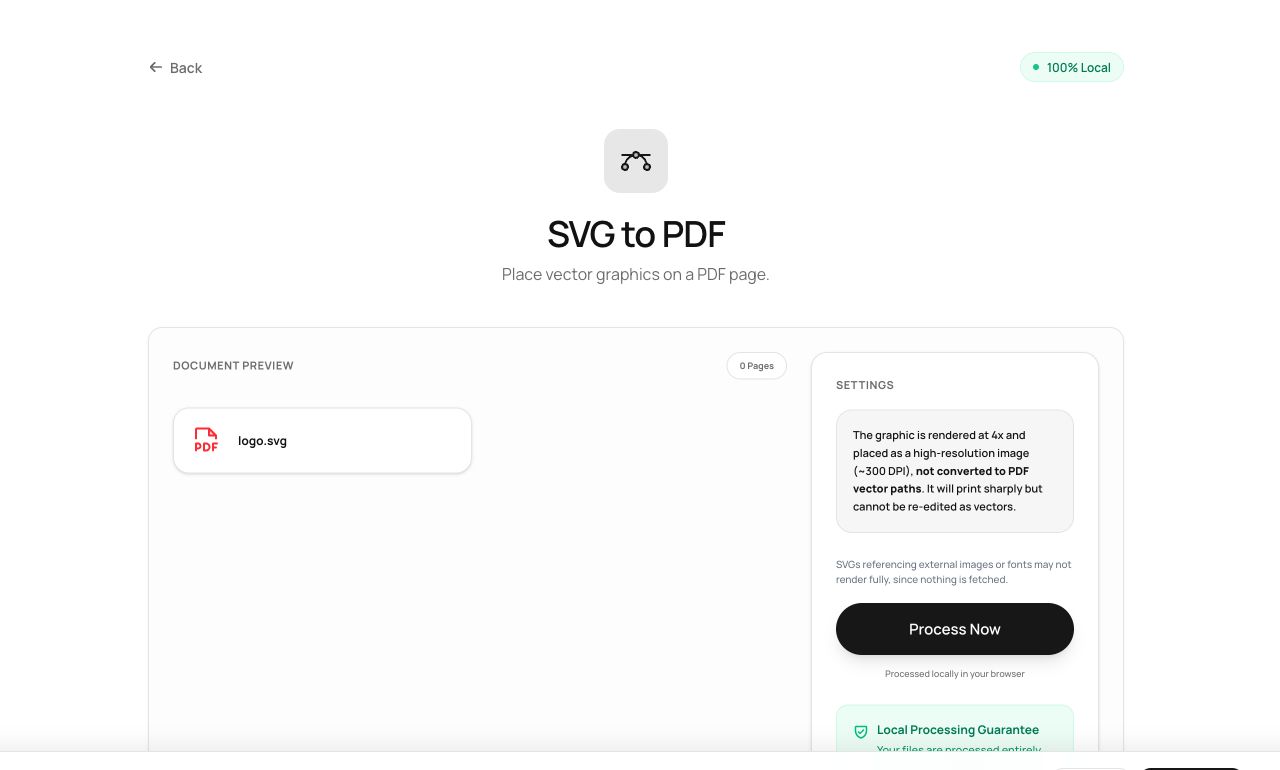
SVG is the format design tools speak; PDF is the format print workflows accept. Between them sits this converter, keeping vectors sharp instead of exporting a blurry PNG middleman.
How to use it
- Open SVG to PDF and choose the .svg file.
- Process - the graphic is rendered at high resolution onto a PDF page.
- Download the PDF.
Try it now: open the SVG to PDF tool - no account, no upload, free.
What happens under the hood
The SVG is rendered by the browser’s native SVG engine at print-grade resolution and placed onto a page matched to the graphic’s dimensions. Browser-side rendering means gradients, text and filters behave exactly as they do on screen.
Tips for better results
- Convert logos at high scale once, and reuse the PDF anywhere print-ready vector art is requested.
- If your SVG references external fonts, convert text to outlines in your design tool first for pixel-identical output.
Privacy, in one sentence
Your file is read into your browser's memory, processed there by JavaScript and WebAssembly, and handed back to you as a download - no server ever sees a byte of it. Close the tab and nothing remains.