Jul 24, 2026 · 4 min read · Security
Signing a PDF by Hand, Without Printing It
Print, sign, scan, send - the ritual persists because people don’t trust “e-sign platforms” with documents worth signing. Fair. So sign in the browser instead: draw it, place it, and the contract never leaves your machine.
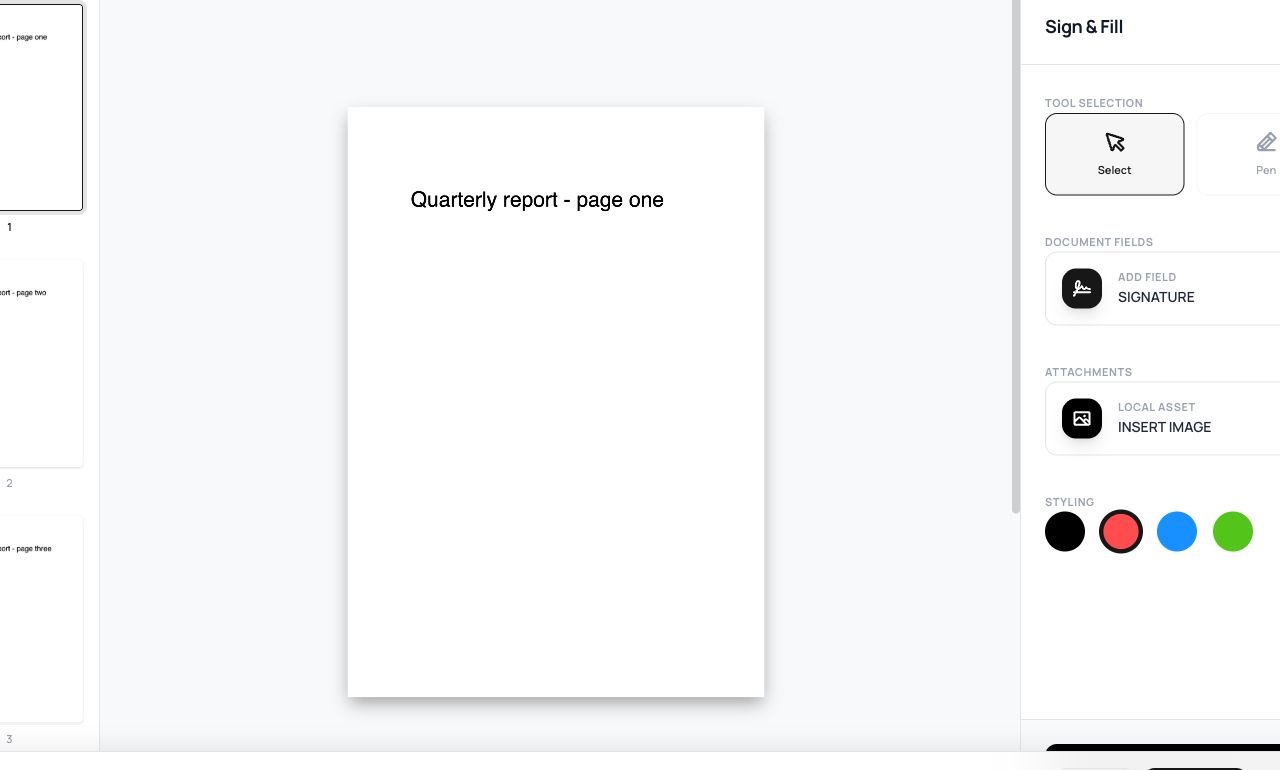
How to use it
- Open Sign PDF and choose the document.
- Draw your signature with mouse, finger or stylus (redo until it looks like you).
- Place and size it on the page, then process and download.
Try it now: open the Sign PDF tool - no account, no upload, free.
What happens under the hood
Your strokes are captured as a transparent image and embedded into the page’s content - a visual signature, the digital equivalent of ink. In most jurisdictions (ESIGN in the US, eIDAS-basic in the EU) a drawn signature with intent to sign is legally effective for ordinary agreements; certificate-based digital signatures are a separate, heavier instrument for when law or counterparties demand cryptographic proof.
Tips for better results
- Sign-then-Flatten if you want the signature inseparable from the page.
- Keep the signed copy and the email trail - with drawn signatures, context is your evidence of intent.
Privacy, in one sentence
Your file is read into your browser's memory, processed there by JavaScript and WebAssembly, and handed back to you as a download - no server ever sees a byte of it. Close the tab and nothing remains.