Jul 27, 2026 · 4 min read · Convert
Using Your Camera as a Document Scanner
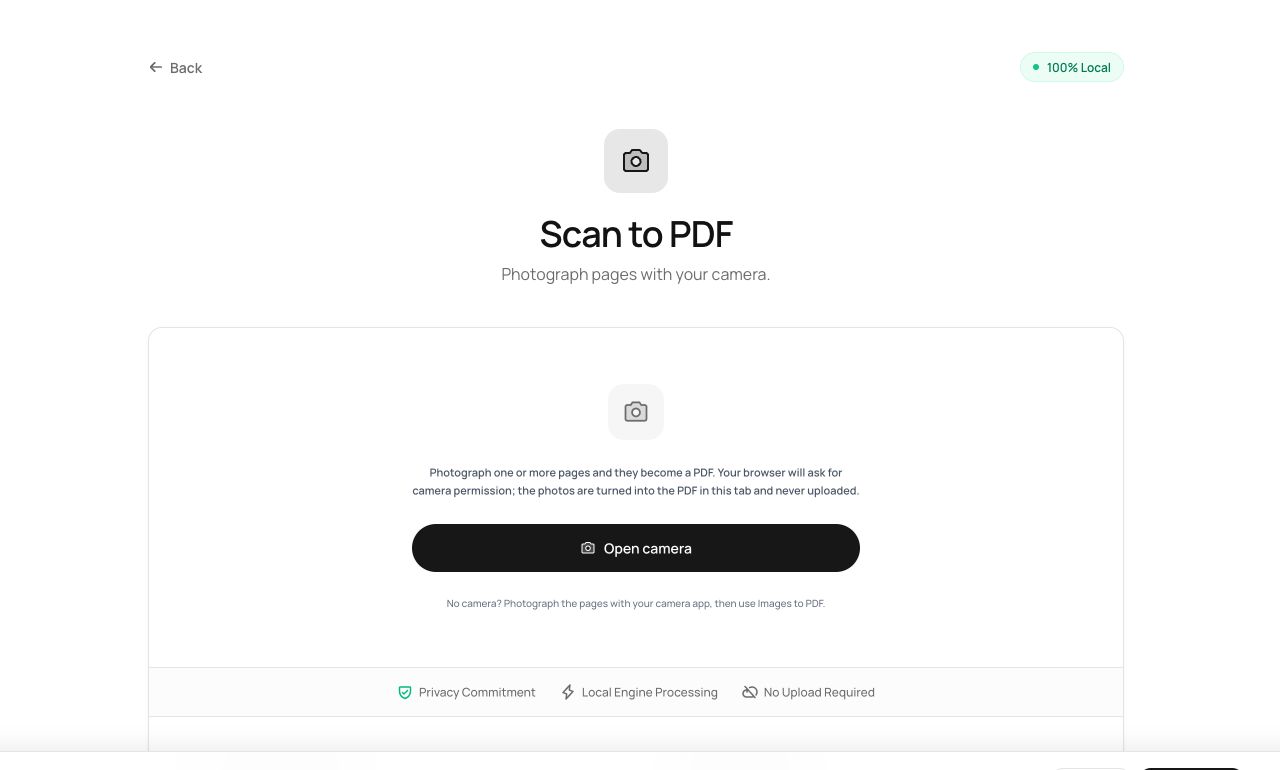
The scanner is a device you own that’s never near you when a document needs scanning. Your camera is. This tool turns captured photos directly into a PDF, entirely on the device that took them.
How to use it
- Open Scan to PDF and allow camera access (the permission stays on this site, and frames never leave your device).
- Photograph each page - captures stack up as pages.
- Process and download the finished PDF.
Try it now: open the Scan to PDF tool - no account, no upload, free.
What happens under the hood
Captures come straight from the camera into the page assembly pipeline - the same one Images to PDF uses - in your browser’s memory. There is no upload step anywhere in the path, which is not something camera-scanner apps can generally say.
Tips for better results
- Fill the frame with the page and shoot from directly above - skew hurts readability more than resolution does.
- Planning to run OCR later? Even lighting matters more than megapixels.
Privacy, in one sentence
Your file is read into your browser's memory, processed there by JavaScript and WebAssembly, and handed back to you as a download - no server ever sees a byte of it. Close the tab and nothing remains.