Jul 22, 2026 · 3 min read · Edit
Rotating and Flipping Photos Losslessly
Phones write orientation as metadata that some software respects and some ignores - hence photos that stand up in one app and lie down in another. Physically rotating the pixels ends the ambiguity.
How to use it
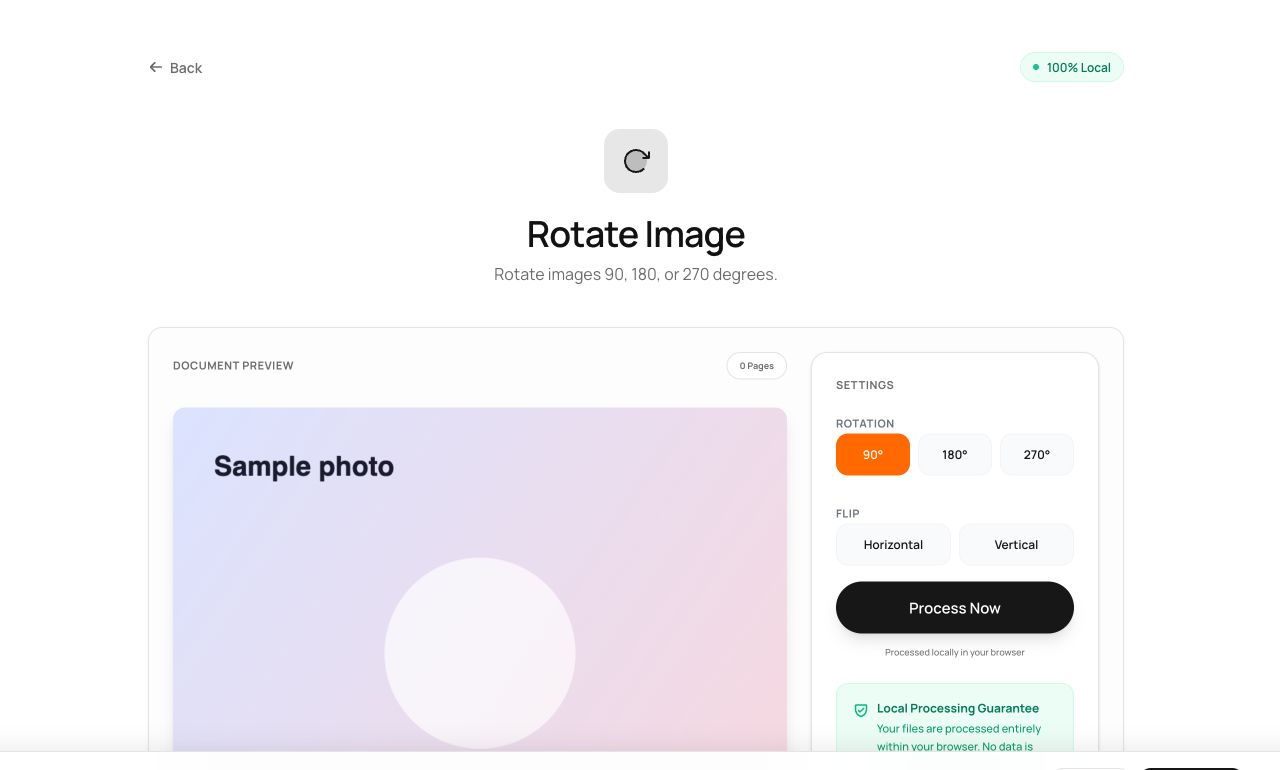
- Open Rotate Image and choose the photo.
- Pick 90°, 180°, 270° - or mirror it horizontally/vertically.
- Process and download.
Try it now: open the Rotate Image tool - no account, no upload, free.
What happens under the hood
Pixels are remapped onto a rotated canvas and encoded once at full quality. Right-angle rotation is a lossless remapping of positions - nothing is interpolated or blurred.
Tips for better results
- Flip horizontal fixes mirrored selfies before they go anywhere official.
- Rotate before OCR or PDF assembly - downstream tools assume upright input.
Privacy, in one sentence
Your file is read into your browser's memory, processed there by JavaScript and WebAssembly, and handed back to you as a download - no server ever sees a byte of it. Close the tab and nothing remains.