Jul 23, 2026 · 3 min read · Edit
Resizing Images to Exact Dimensions Without Squashing
Upload slots, avatar boxes, print dimensions - images constantly need to be exactly some size. Resizing locally is instant and keeps the original untouched.
How to use it
- Open Resize Image and choose the picture.
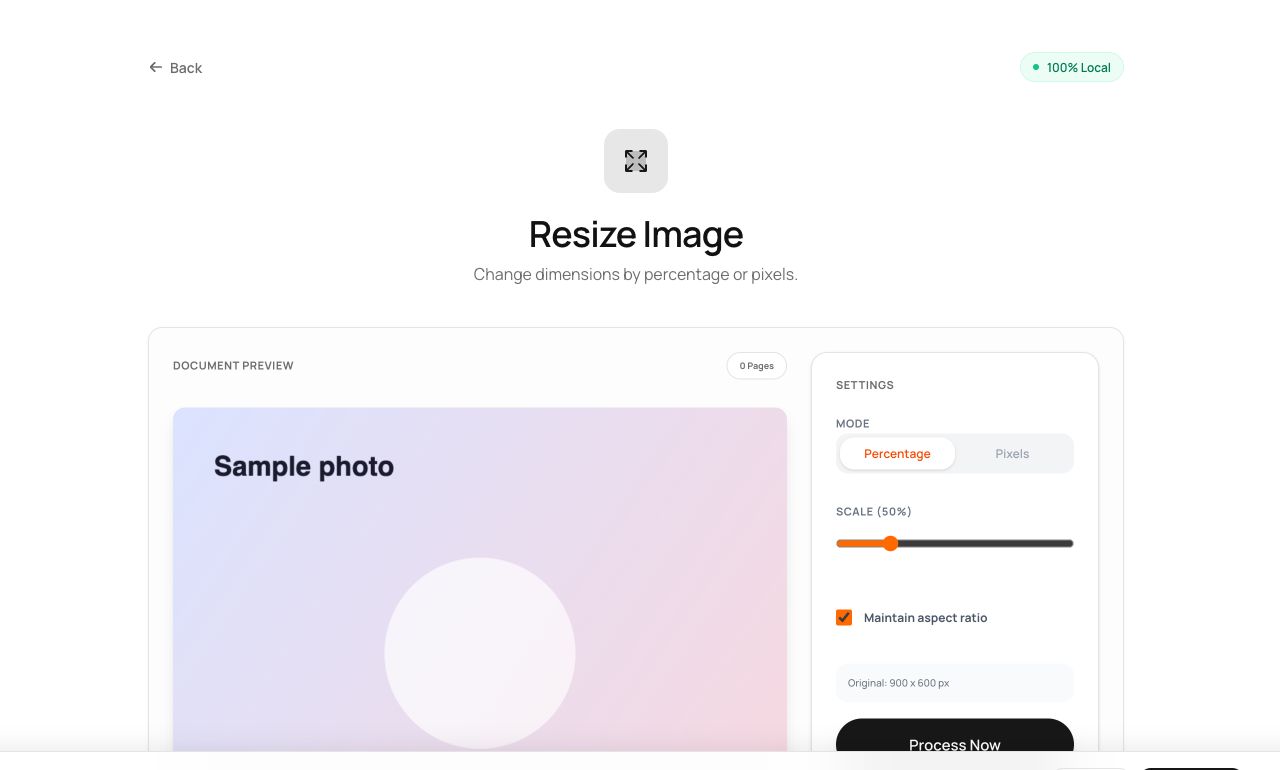
- Enter the target width/height - aspect lock prevents accidental squashing - or scale by percentage.
- Process and download.
Try it now: open the Resize Image tool - no account, no upload, free.
What happens under the hood
The browser redraws the image onto a canvas at the target dimensions using smooth (bilinear) interpolation, then re-encodes. Downscaling is essentially lossless to the eye; upscaling beyond ~2× is better served by the Upscale tool.
Tips for better results
- Resize to the final display size before compressing or embedding - oversized images are the top cause of bloated files.
- Keep aspect locked unless you truly want distortion; “roughly right” dimensions with correct proportions beat exact-but-squashed.
Privacy, in one sentence
Your file is read into your browser's memory, processed there by JavaScript and WebAssembly, and handed back to you as a download - no server ever sees a byte of it. Close the tab and nothing remains.