Aug 01, 2026 · 4 min read · Optimize
Rescuing a PDF That Won’t Open
Downloads truncate, USB sticks corrupt, and decade-old files stop opening. Very often the pages themselves are intact - it’s the PDF’s internal index (the cross-reference table) that’s broken, and readers simply give up.
How to use it
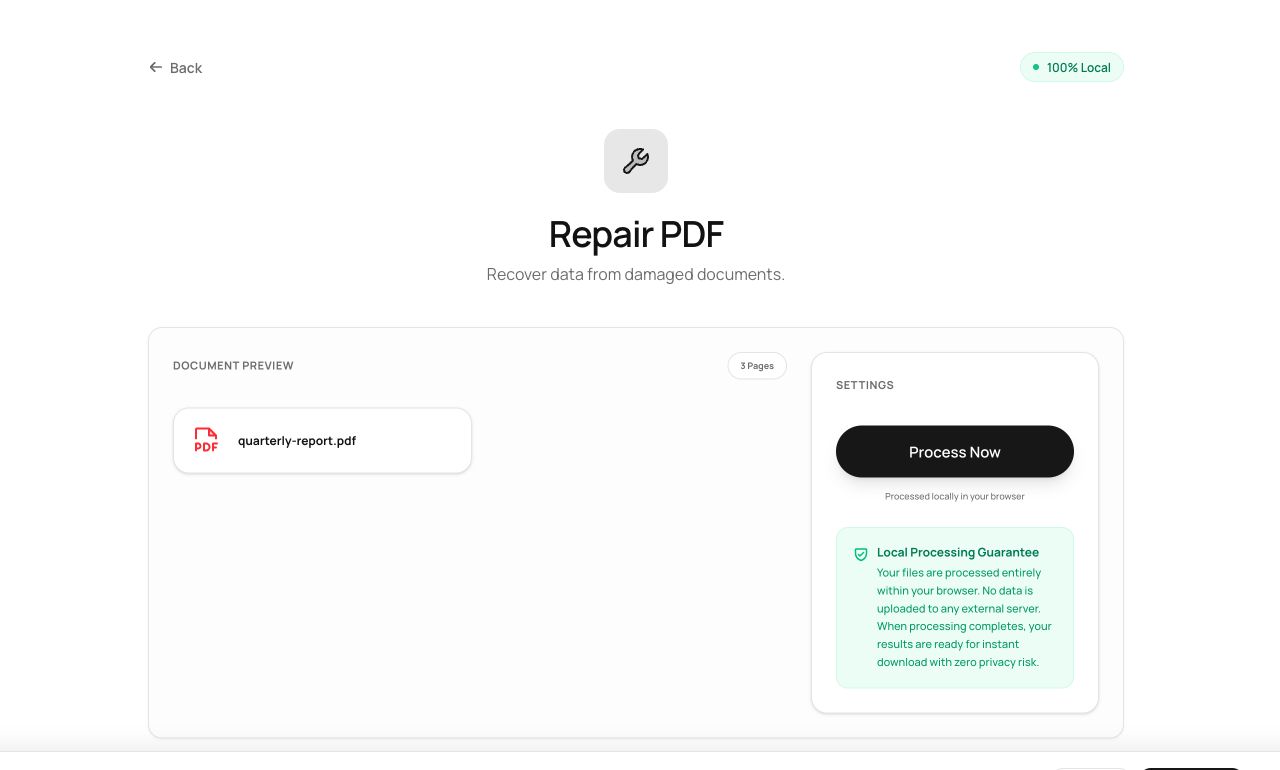
- Open Repair PDF and choose the damaged file.
- Process - the tool re-parses everything salvageable and rebuilds the structure around it.
- Download the repaired copy and test it in your reader.
Try it now: open the Repair PDF tool - no account, no upload, free.
What happens under the hood
Instead of trusting the (broken) index, the parser scans the raw bytes for object boundaries, reconstructs the document tree from whatever it finds, and serializes a fresh, structurally valid PDF. If content bytes are genuinely destroyed those pages can’t be conjured back - but the common failure, a bad index around good data, repairs cleanly.
Tips for better results
- Try repair before deleting any “corrupt” file - bad-index-good-data is by far the most common corruption.
- A repaired file that opens but shows some broken pages recovered partially: extract the good pages and rescan the rest.
Privacy, in one sentence
Your file is read into your browser's memory, processed there by JavaScript and WebAssembly, and handed back to you as a download - no server ever sees a byte of it. Close the tab and nothing remains.