Jul 25, 2026 · 4 min read · Security
The Data Hiding Inside Your PDFs (And How to Strip It)
A PDF’s pages are only part of what it says. The file may also carry the author’s name, the exact software and version that made it, timestamps, and editing history - the classic way anonymous documents turn out not to be.
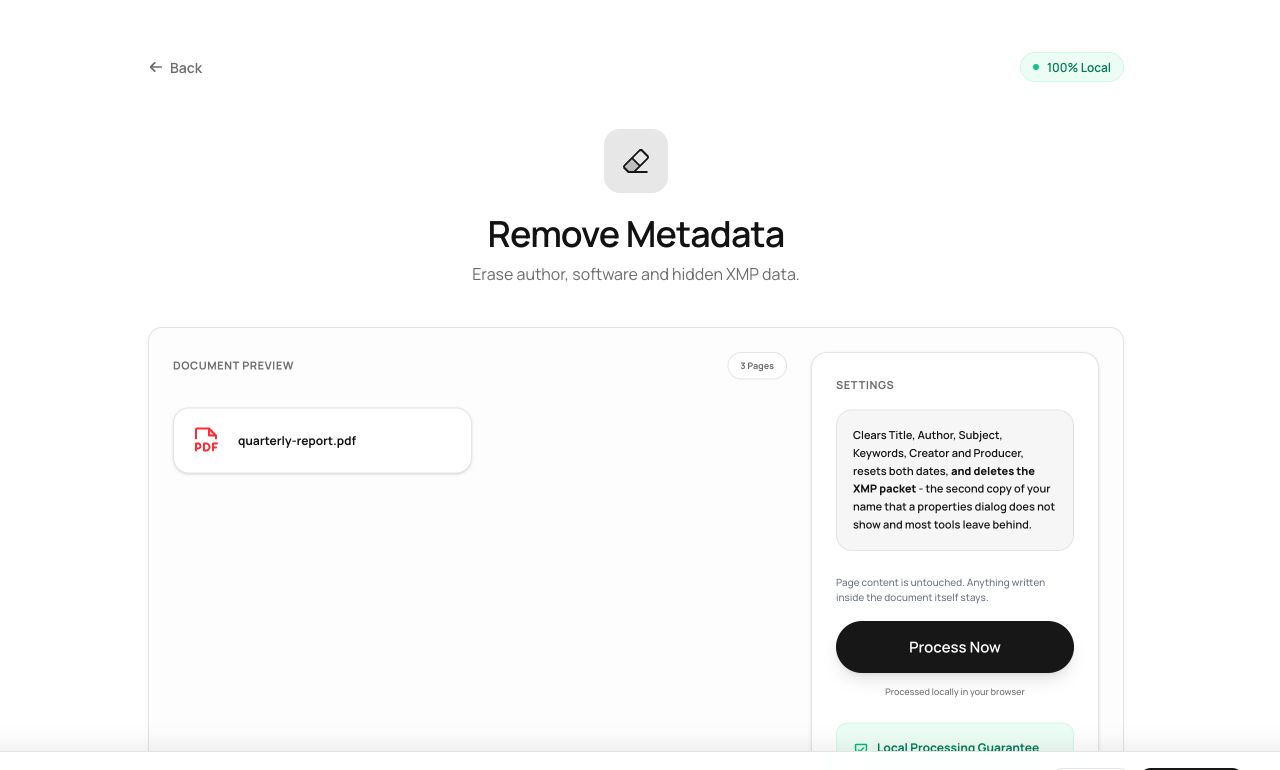
How to use it
- Open Remove Metadata and choose the file.
- Process - every metadata field and XMP packet is stripped.
- Download the cleaned copy.
Try it now: open the Remove Metadata tool - no account, no upload, free.
What happens under the hood
The tool clears the document information dictionary (author, title, producer, dates) and deletes the XMP metadata stream where editing software records its history. The visible pages are untouched; the invisible dossier is gone.
Tips for better results
- Do this before publishing or filing anything sensitive - and remember the filename itself is metadata you control separately.
- Check the result with PDF to Text-style scrutiny: our Edit Metadata tool shows you exactly which fields remain (none).
Privacy, in one sentence
Your file is read into your browser's memory, processed there by JavaScript and WebAssembly, and handed back to you as a download - no server ever sees a byte of it. Close the tab and nothing remains.