Jul 21, 2026 · 4 min read · Edit
Cutting Out Image Backgrounds Without Uploading the Photo
Product shots, profile photos, assets for slides - background removal used to mean either Photoshop skills or uploading your image to a service that keeps it. This runs the cutout on your device.
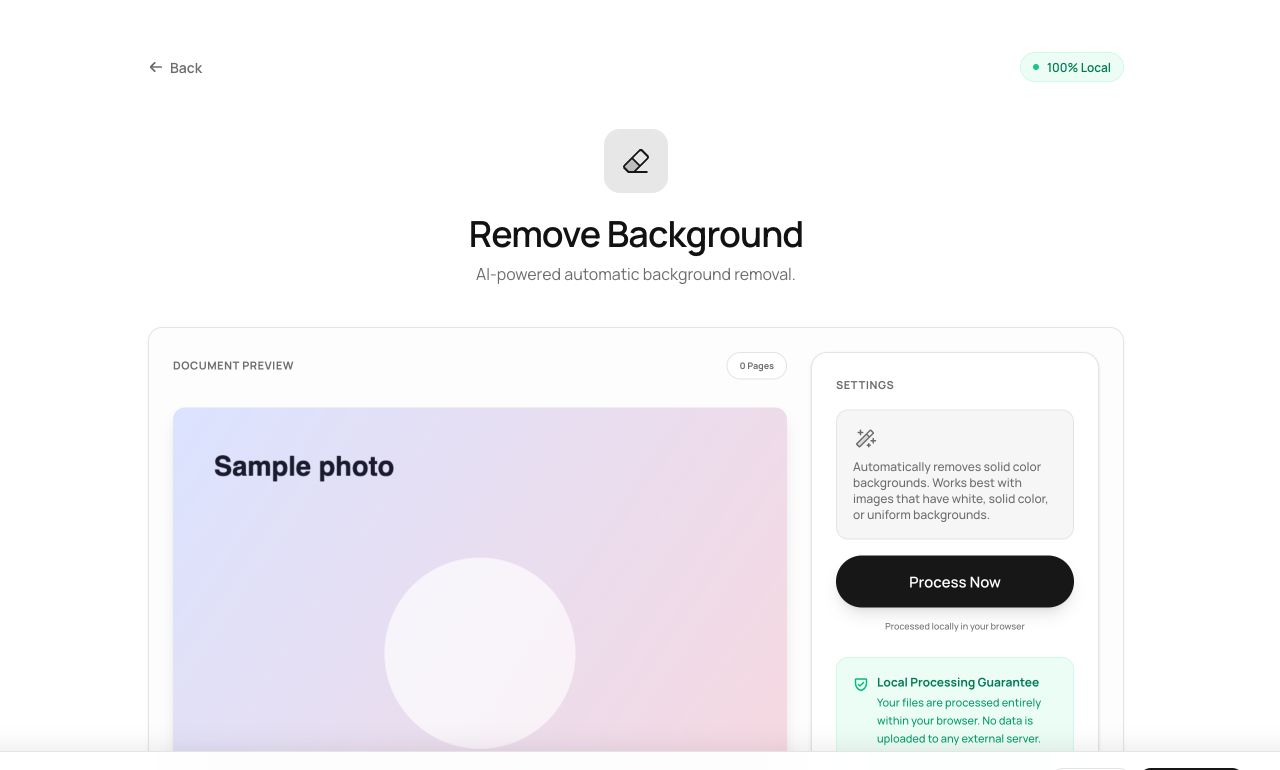
How to use it
- Open Remove Background and choose the photo.
- Process - the subject is separated from the backdrop.
- Download a transparent PNG.
Try it now: open the Remove Background tool - no account, no upload, free.
What happens under the hood
The tool analyzes the image locally to distinguish subject from background and builds an alpha mask, producing a PNG with true transparency. Clean, contrasting backgrounds produce crisp cutouts; busy scenes get best-effort edges.
Tips for better results
- Shoot against a plain, contrasting background when you control the shot - the mask quality follows.
- Layer the transparent PNG over anything using Watermark Image or your slide tool of choice.
Privacy, in one sentence
Your file is read into your browser's memory, processed there by JavaScript and WebAssembly, and handed back to you as a download - no server ever sees a byte of it. Close the tab and nothing remains.