Jul 20, 2026 · 4 min read · Edit
A Full Photo Editor That Never Phones Home
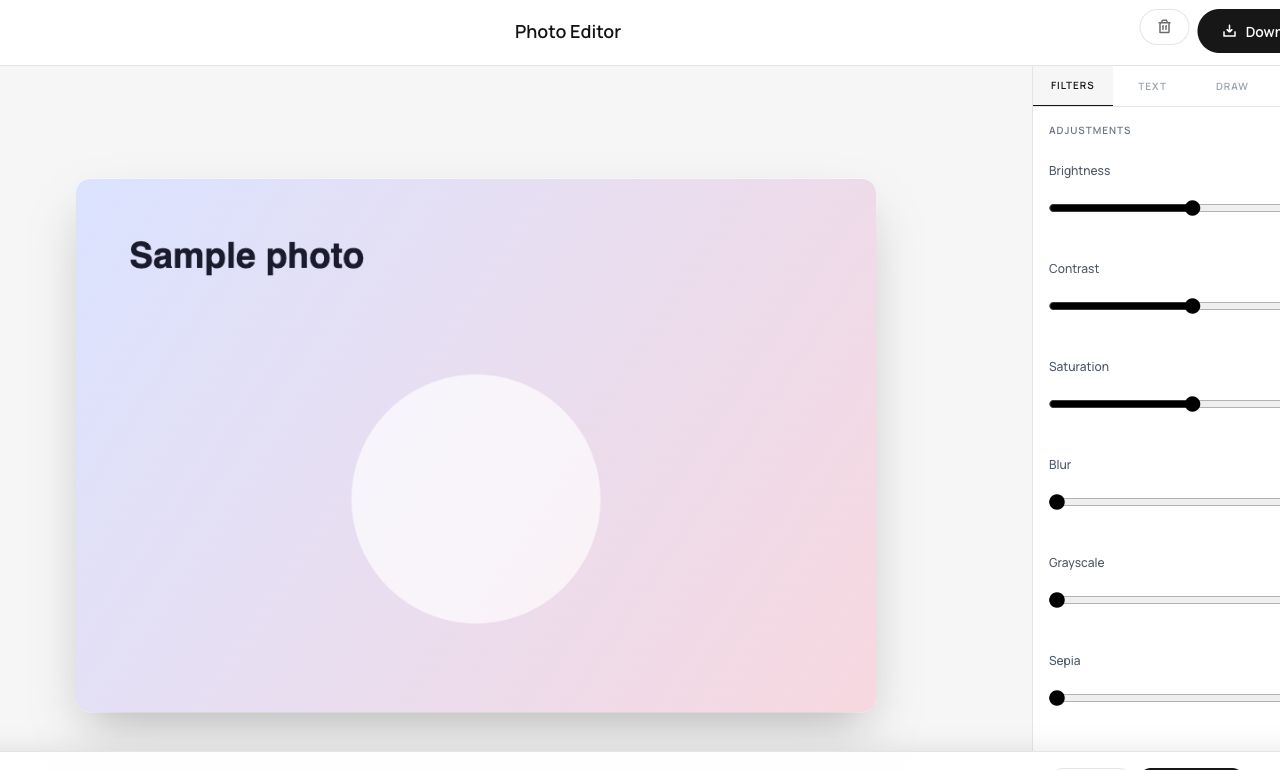
Brightness, contrast, a crop, a filter - everyday photo fixes don’t need a subscription or an upload. This is a real editor on a live canvas, running entirely in the tab.
How to use it
- Open the Photo Editor and load an image.
- Adjust exposure, contrast, saturation; apply filters; crop and rotate - everything previews instantly.
- Export the finished image.
Try it now: open the Photo Editor tool - no account, no upload, free.
What happens under the hood
The image sits on a canvas where adjustments run as per-pixel operations and filters in real time, GPU-accelerated where the browser allows. Exporting encodes the final canvas - one clean re-encode, no quality-eating intermediate saves.
Tips for better results
- Small moves win: +10 brightness and +10 contrast fix more photos than any filter.
- Do the crop first - adjusting exposure for pixels you’re about to discard skews judgment.
Privacy, in one sentence
Your file is read into your browser's memory, processed there by JavaScript and WebAssembly, and handed back to you as a download - no server ever sees a byte of it. Close the tab and nothing remains.