Jul 30, 2026 · 3 min read · Convert
Extracting Plain Text From a PDF (When It Has Any)
No formatting, no layout - just every word in the file, in reading order, as plain text. For feeding scripts, search indexes, word counts, or just checking what a PDF actually says under its styling.
How to use it
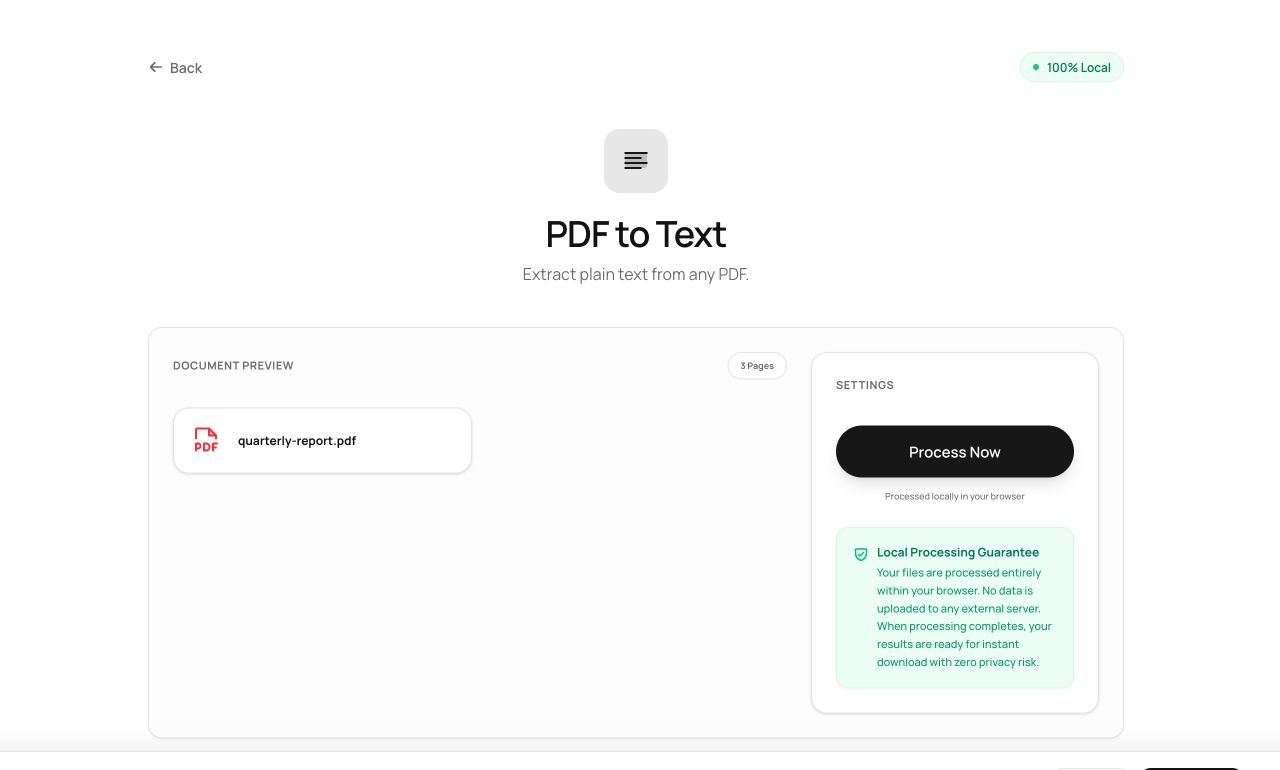
- Open PDF to Text and choose the file.
- Process and download the .txt.
Try it now: open the PDF to Text tool - no account, no upload, free.
What happens under the hood
The text layer is extracted page by page and joined in reading order, with page breaks preserved as blank lines. If the output comes back nearly empty, you’ve learned something important: your PDF is a scan with no text layer - run OCR first.
Tips for better results
- This is the fastest way to audit a PDF for hidden text - including text someone “redacted” with a black rectangle.
- Line breaks follow the PDF’s visual lines, not sentence logic; reflow in your editor if you need prose.
Privacy, in one sentence
Your file is read into your browser's memory, processed there by JavaScript and WebAssembly, and handed back to you as a download - no server ever sees a byte of it. Close the tab and nothing remains.