Jul 31, 2026 · 4 min read · Convert
Turning PDF Pages Into Editable Slides
The deck exists - as a PDF. You need to present it, restyle it, or steal three slides for another talk. This converter turns each page back into an editable PowerPoint slide.
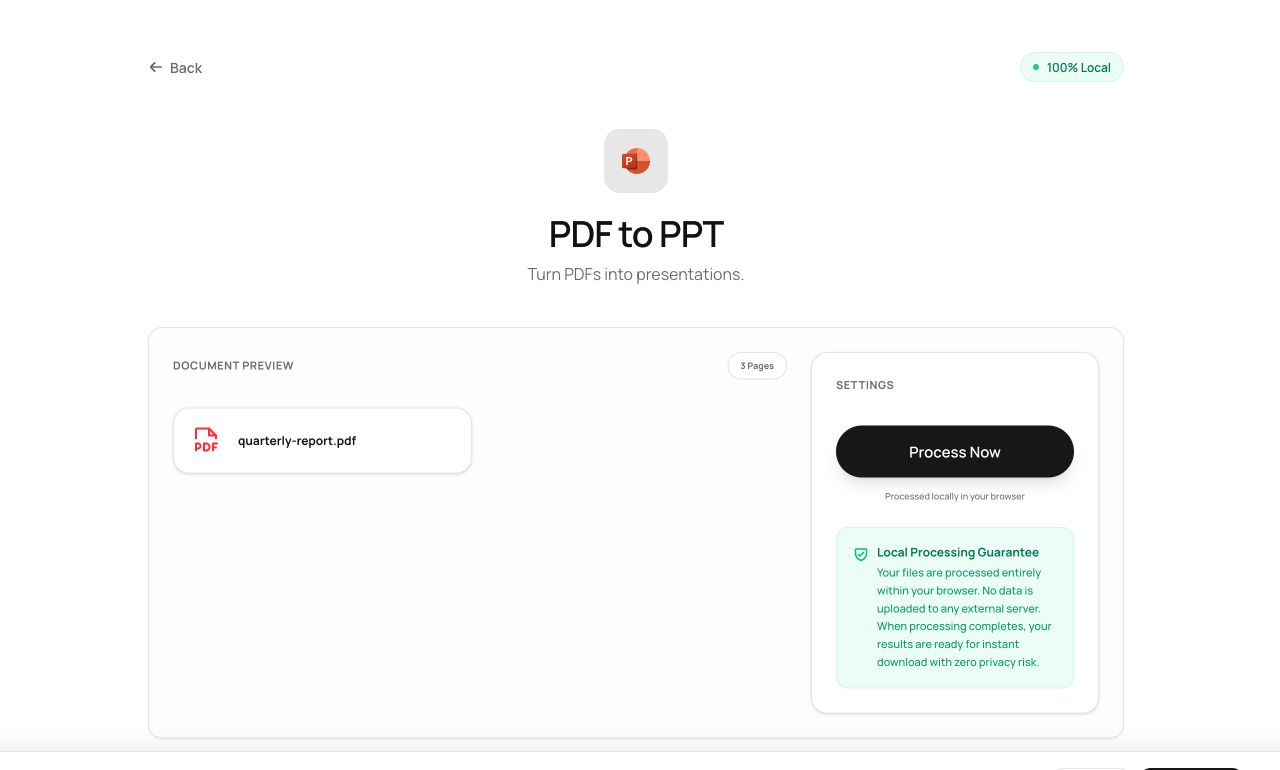
How to use it
- Open PDF to PowerPoint and choose the file.
- Process - each page is analyzed and rebuilt as a slide.
- Download the .pptx and edit it in PowerPoint, Keynote or Slides.
Try it now: open the PDF to PowerPoint tool - no account, no upload, free.
What happens under the hood
For each page the converter extracts the text with sizes and positions, promotes the most prominent line to the slide title, places body text as editable text boxes, and renders the page’s graphics as a background image. The output is assembled by PptxGenJS entirely in the browser.
Tips for better results
- Decks exported to PDF from PowerPoint or Keynote round-trip best - the layout conventions match.
- Fine print and dense diagrams travel as part of the background image; the headline and body text become editable.
Privacy, in one sentence
Your file is read into your browser's memory, processed there by JavaScript and WebAssembly, and handed back to you as a download - no server ever sees a byte of it. Close the tab and nothing remains.