Jul 30, 2026 · 4 min read · Convert
Converting a PDF Into a Clean, Single-File Web Page
A PDF converted to a single, clean HTML file becomes readable on phones, indexable by search, and styleable with CSS - everything a PDF resists doing.
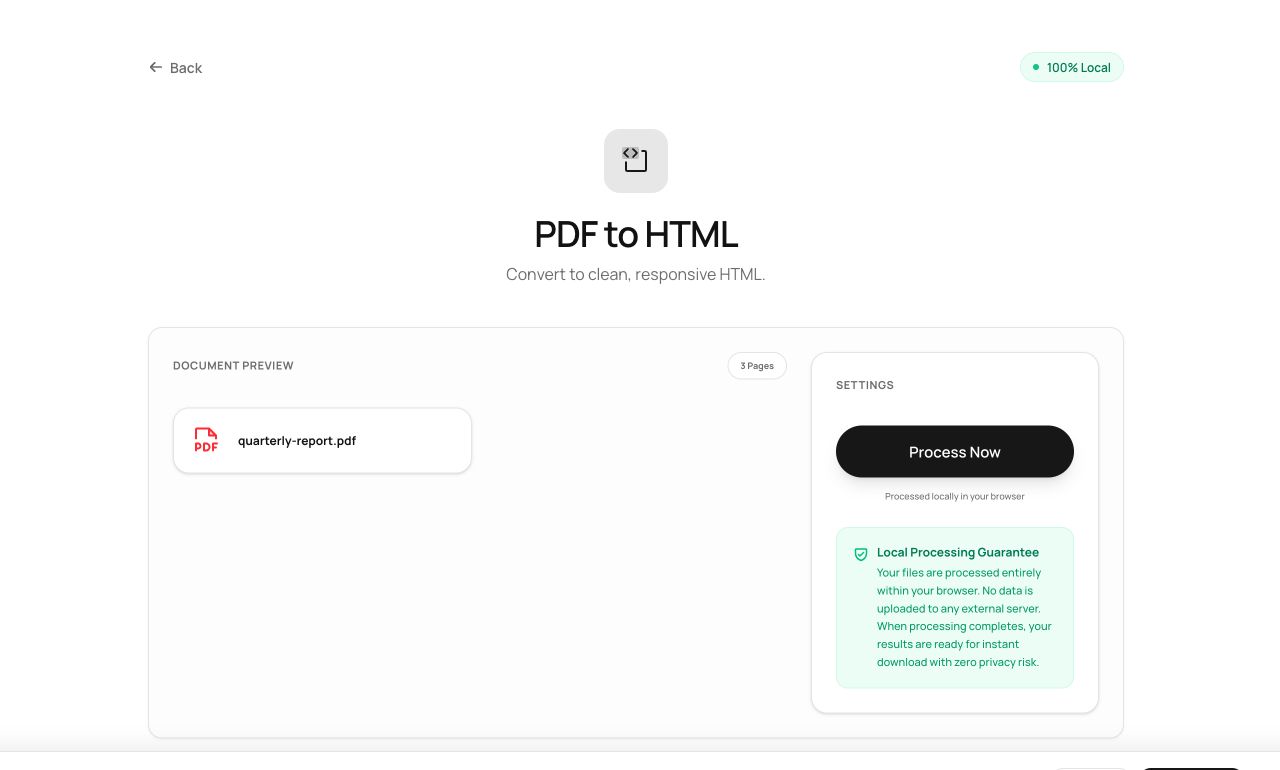
How to use it
- Open PDF to HTML and choose the file.
- Process - content is extracted and rebuilt as semantic HTML.
- Download one self-contained .html file that opens in any browser.
Try it now: open the PDF to HTML tool - no account, no upload, free.
What happens under the hood
The converter extracts the document’s text blocks, classifies headings versus body from the typography, and writes semantic markup (h1-h3, p, lists) with a minimal embedded stylesheet - one portable file, no external assets, no tracking pixels.
Tips for better results
- The output reflows - this is the accessibility upgrade PDFs can’t offer on small screens.
- Paste the HTML into a CMS or mail template and restyle it freely; the markup is deliberately plain.
Privacy, in one sentence
Your file is read into your browser's memory, processed there by JavaScript and WebAssembly, and handed back to you as a download - no server ever sees a byte of it. Close the tab and nothing remains.