Jul 31, 2026 · 5 min read · Convert
Getting Tables Out of PDFs and Into Spreadsheets
The table you need is in a PDF; the analysis you owe is in a spreadsheet. Retyping is error-prone exactly where errors are expensive - in numbers. Table extraction automates the transfer, and doing it locally means your bank statement never becomes someone’s training data.
How to use it
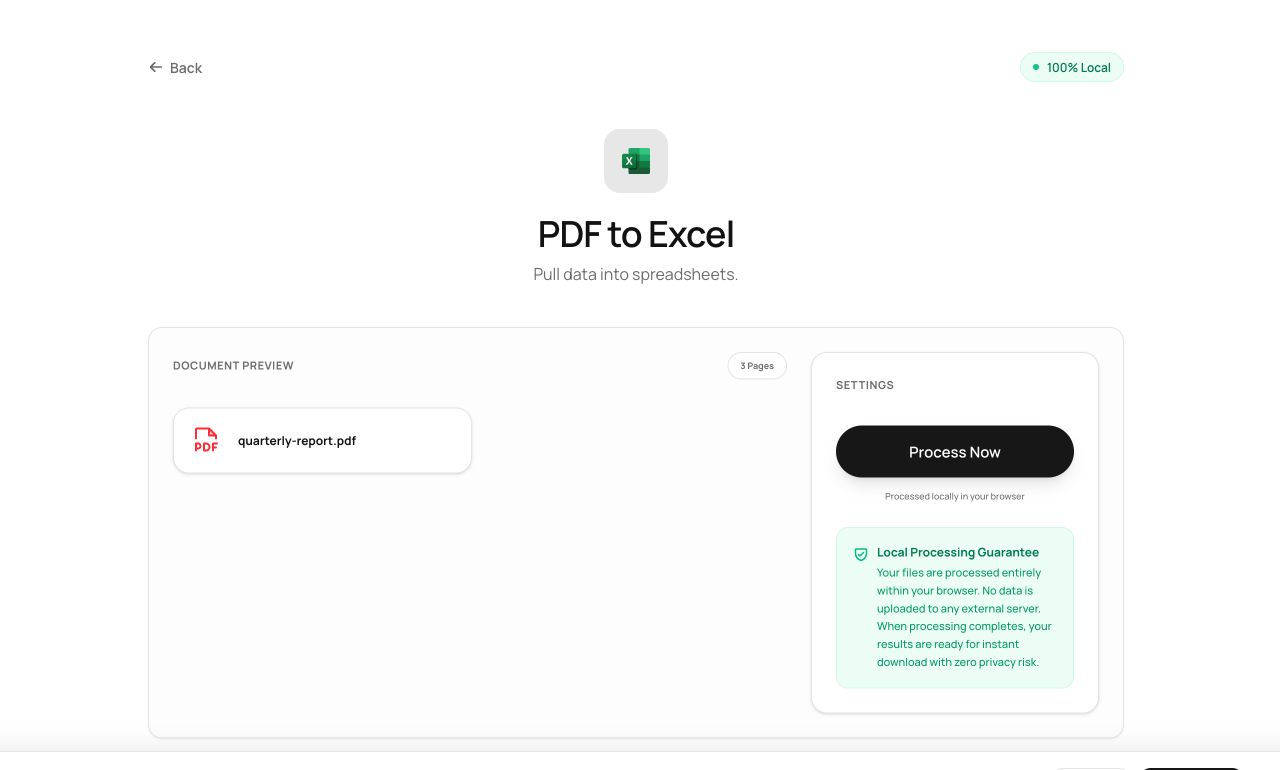
- Open PDF to Excel and choose the PDF.
- Process - the tool detects table geometry from the text layout.
- Download the .xlsx; every detected table lands on its own sheet.
Try it now: open the PDF to Excel tool - no account, no upload, free.
What happens under the hood
Words carry coordinates in a PDF even though rows and columns don’t exist as objects. The extractor clusters text by vertical position into rows, finds consistent column boundaries across those rows, and rebuilds the grid as a real spreadsheet via SheetJS - numbers as numbers, not screenshots.
Tips for better results
- Ruled tables with clear columns (statements, invoices) extract nearly perfectly; merged cells and multi-line wrapped cells need a quick manual check.
- Always spot-check totals after extraction - the errors that matter are the plausible-looking ones.
Privacy, in one sentence
Your file is read into your browser's memory, processed there by JavaScript and WebAssembly, and handed back to you as a download - no server ever sees a byte of it. Close the tab and nothing remains.