Jul 30, 2026 · 4 min read · Convert
Making PDFs Readable on E-Readers: PDF to EPUB
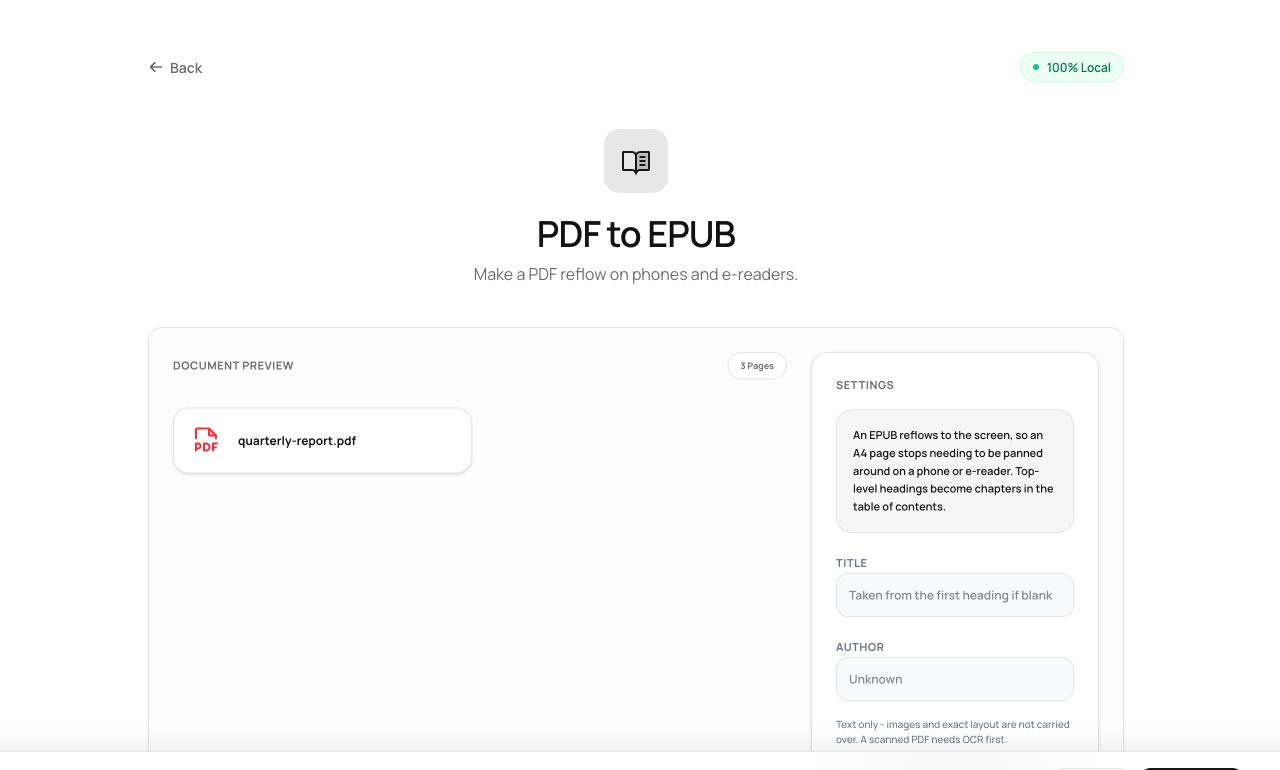
PDF pages are fixed; e-reader screens are small. Reading a PDF on a Kobo means squinting at a shrunken page. EPUB reflows - the reader typesets the text for its own screen - and this tool makes the conversion locally.
How to use it
- Open PDF to EPUB and choose the book or report.
- Process - text and chapter structure are extracted.
- Download the .epub and send it to your reader (or read it in any EPUB app).
Try it now: open the PDF to EPUB tool - no account, no upload, free.
What happens under the hood
An EPUB is a ZIP of XHTML chapters plus navigation metadata. The converter extracts the PDF’s text in reading order, splits chapters at detected headings, builds the navigation map, and assembles the archive in your tab with JSZip.
Tips for better results
- Text-driven documents (novels, reports, documentation) convert beautifully; fixed layouts (comics, textbooks with sidebars) are better kept as PDF.
- Set real Title/Author metadata first with Edit Metadata - e-reader libraries display it.
Privacy, in one sentence
Your file is read into your browser's memory, processed there by JavaScript and WebAssembly, and handed back to you as a download - no server ever sees a byte of it. Close the tab and nothing remains.