Aug 02, 2026 · 4 min read · Edit
Stamping Letterhead, Watermarks or Forms Over a PDF
Letterhead behind a letter, a DRAFT stamp across every page, typed answers laid over a scanned form - all the same operation: drawing one PDF on top (or underneath) another.
How to use it
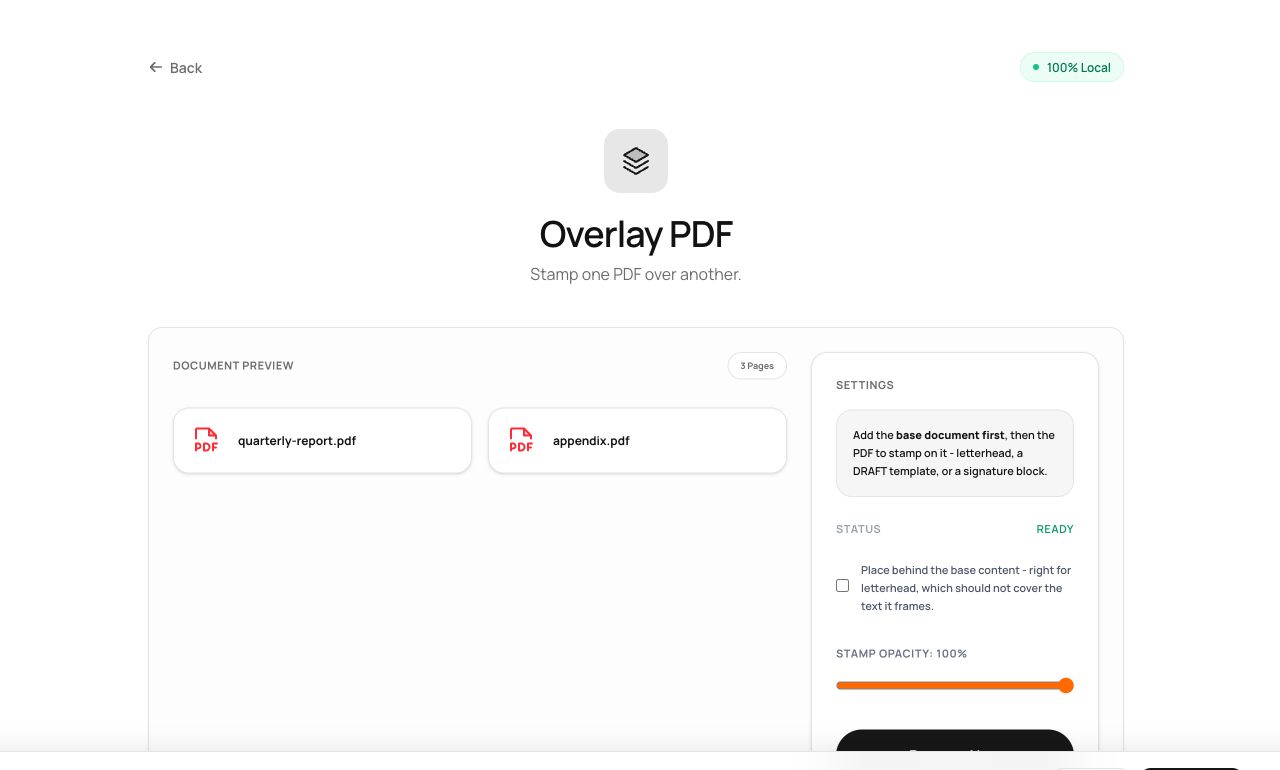
- Open Overlay PDF and choose two files: the base document, then the stamp.
- Choose whether the stamp goes on top or behind the content, and whether one stamp page repeats across every base page.
- Process and download the combined document.
Try it now: open the Overlay PDF tool - no account, no upload, free.
What happens under the hood
The stamp’s pages are embedded as vector form objects and drawn into each base page’s content stream - before existing content for “behind”, after it for “on top”, with adjustable opacity. Vector-in, vector-out: nothing is rasterized.
Tips for better results
- For letterhead, put the stamp behind - body text prints over the letterhead graphics exactly like a preprinted sheet.
- A one-page stamp with “repeat” on is the classic every-page watermark template.
Privacy, in one sentence
Your file is read into your browser's memory, processed there by JavaScript and WebAssembly, and handed back to you as a download - no server ever sees a byte of it. Close the tab and nothing remains.