Jul 27, 2026 · 5 min read · Convert
OCR in the Browser: Making Scanned PDFs Searchable
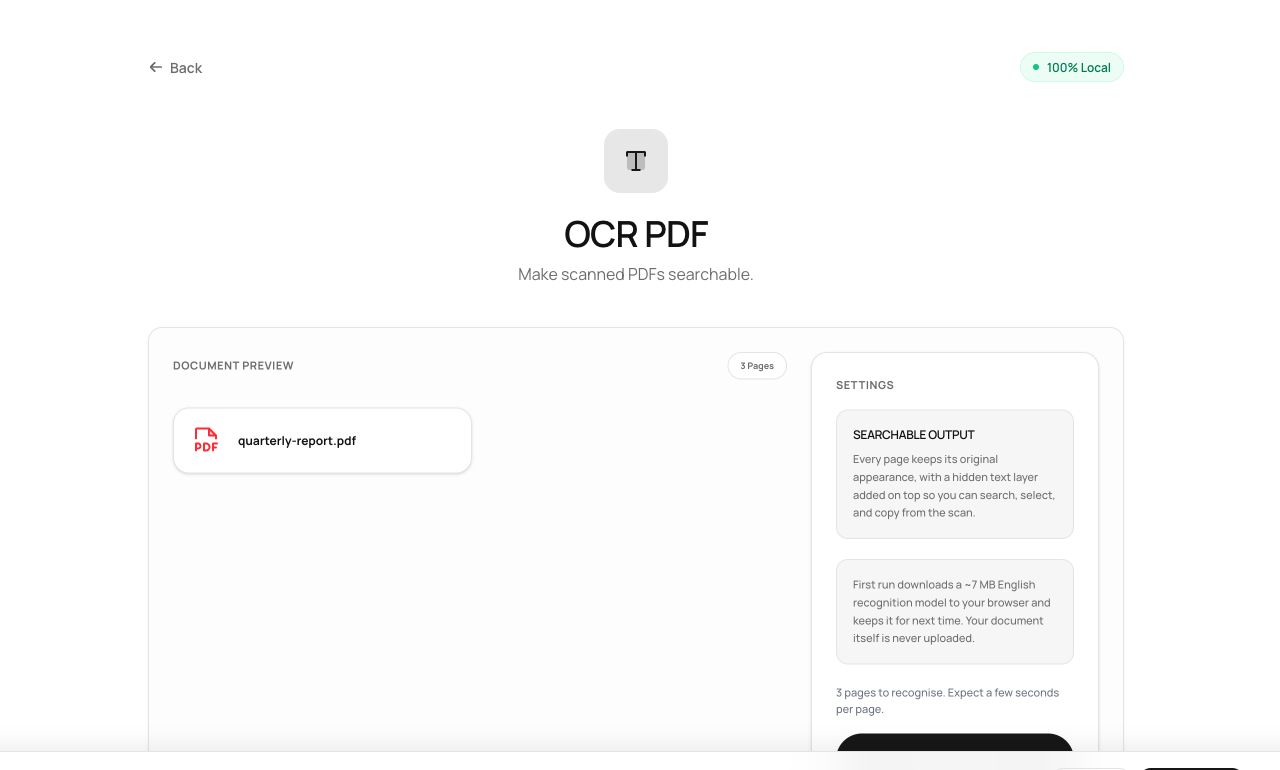
A scanned PDF is a photograph of words - unsearchable, uncopyable, invisible to screen readers. OCR fixes that by reading the image and writing an invisible text layer beneath it. The remarkable part here: the recognition engine, a real neural network, runs inside your tab.
How to use it
- Open OCR PDF and choose the scanned document.
- Process - first use downloads the engine (~15 MB, cached afterward), then each page is recognized. Progress shows per page.
- Download the searchable PDF: it looks identical, but now Ctrl+F works.
Try it now: open the OCR PDF tool - no account, no upload, free.
What happens under the hood
Tesseract - the open-source OCR engine - is compiled to WebAssembly and executed locally with an English recognition model. Each page is rasterized, fed to the network, and the recognized words are written into the PDF as an invisible text layer positioned exactly over their printed counterparts.
Tips for better results
- Input quality decides everything: 300 DPI, straight, evenly lit. Our scanning guide covers the details.
- Always spot-check recognized numbers - OCR errors are silent and plausible (5 for S, 0 for O).
Privacy, in one sentence
Your file is read into your browser's memory, processed there by JavaScript and WebAssembly, and handed back to you as a download - no server ever sees a byte of it. Close the tab and nothing remains.