Jul 28, 2026 · 3 min read · Convert
Markdown to PDF: From Notes to Shareable Documents
Markdown is where writing happens; PDF is where it gets sent. Meeting notes, READMEs and drafts deserve a typeset document rather than a paste into Word.
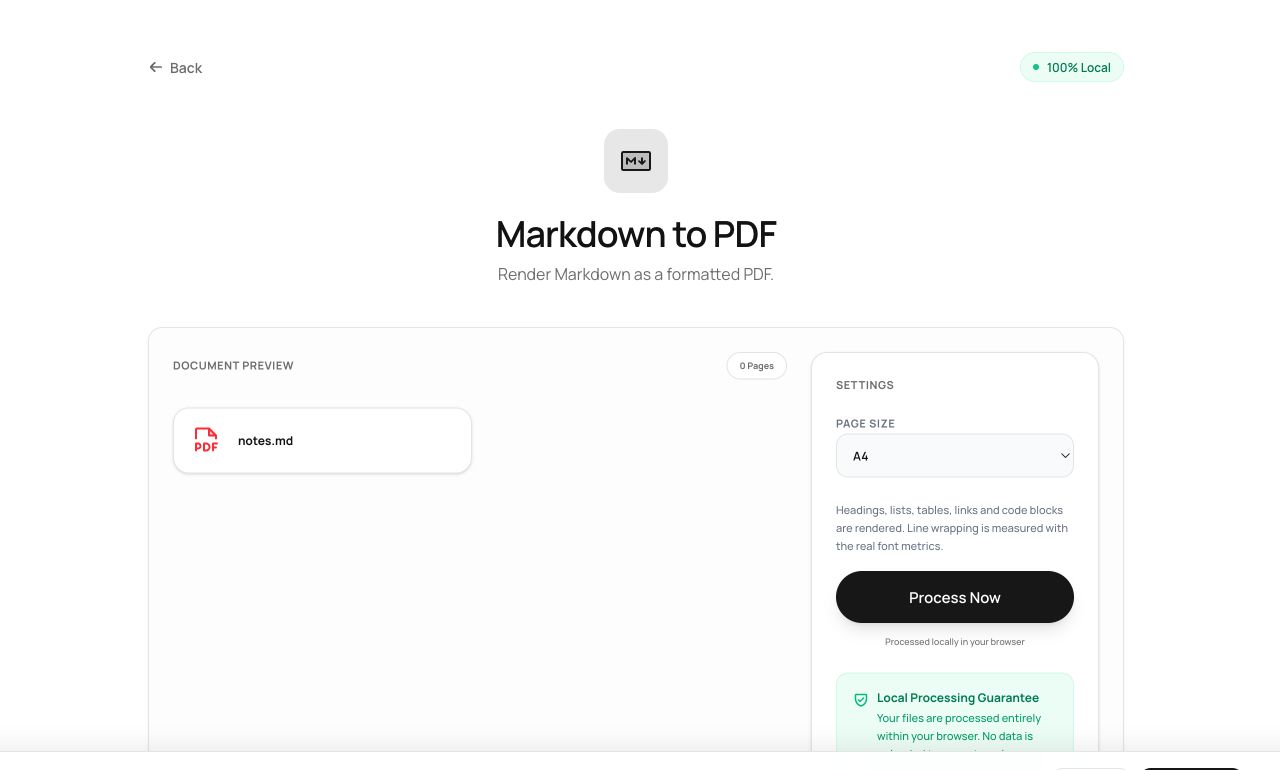
How to use it
- Open Markdown to PDF and choose the .md file.
- Process - the Markdown is parsed and typeset.
- Download a clean, paginated PDF.
Try it now: open the Markdown to PDF tool - no account, no upload, free.
What happens under the hood
The Markdown is parsed to a document tree (headings, lists, quotes, code) and typeset page by page with a book-like stylesheet: proper heading hierarchy, indented lists, monospaced code. No LaTeX toolchain, no pandoc install - the whole pipeline is in the tab.
Tips for better results
- Standard CommonMark constructs render best; exotic extensions (tables-in-tables, footnote plugins) may simplify.
- For docs kept in Git, this is a one-click “make a shareable copy” that never touches CI.
Privacy, in one sentence
Your file is read into your browser's memory, processed there by JavaScript and WebAssembly, and handed back to you as a download - no server ever sees a byte of it. Close the tab and nothing remains.