Jul 27, 2026 · 3 min read · Convert
Combining Photos and Scans Into a Single PDF
A folder of receipts, a set of whiteboard photos, both sides of an ID - the request is always the same: “can you send that as one PDF?” Drop the images in, order them, done.
How to use it
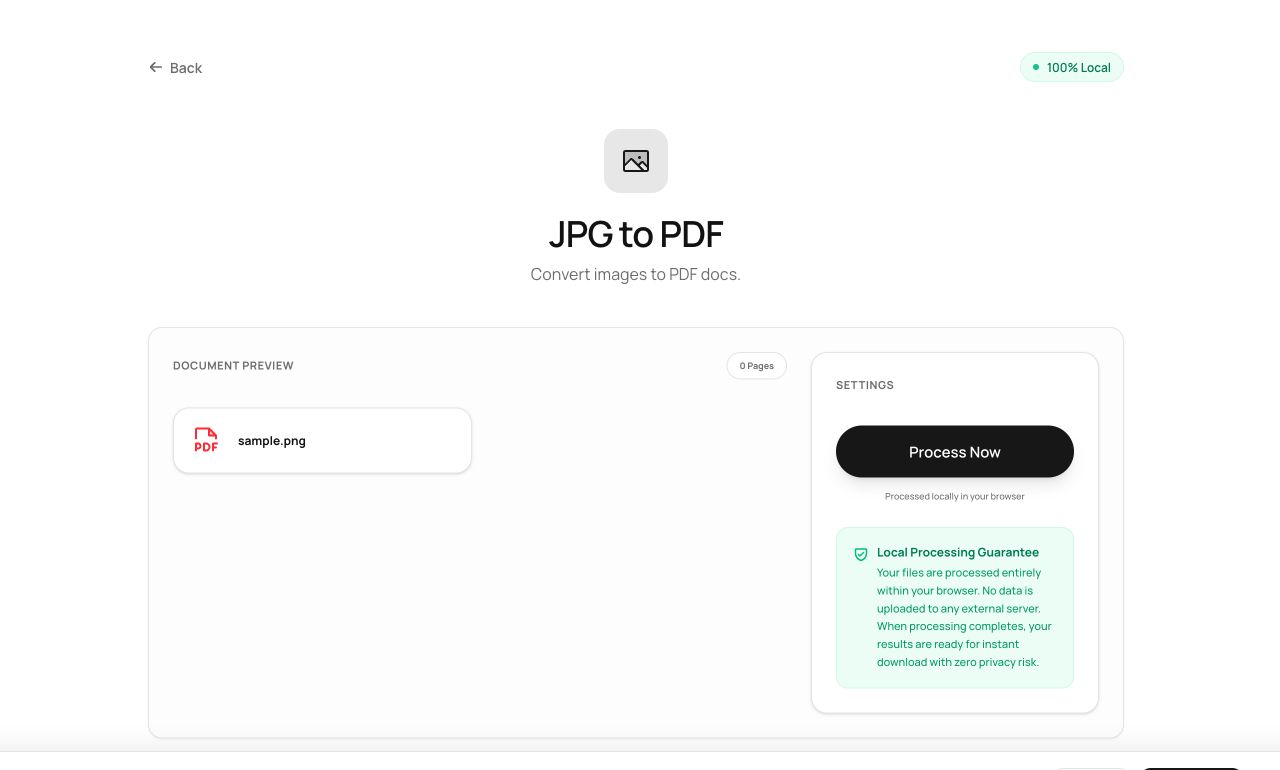
- Open Images to PDF and select any mix of JPG, PNG or WebP files.
- Arrange the order - it becomes the page order.
- Process and download a single PDF.
Try it now: open the Images to PDF tool - no account, no upload, free.
What happens under the hood
Each image is embedded at full resolution onto its own page, sized to the image - no forced A4 stretching, no recompression of JPEGs (they embed natively in PDF). What you photographed is what the PDF holds.
Tips for better results
- Photograph documents straight-on in good light; the PDF can only be as good as the photos.
- Follow with Compress PDF if the phone photos make the file unwieldy for email.
Privacy, in one sentence
Your file is read into your browser's memory, processed there by JavaScript and WebAssembly, and handed back to you as a download - no server ever sees a byte of it. Close the tab and nothing remains.