Jul 28, 2026 · 3 min read · Convert
Saving Web Pages and HTML Files as Clean PDFs
Saved receipts, exported reports, hand-built documents - HTML that needs to become a stable, printable file. Your browser is literally the best HTML renderer on earth, so this conversion belongs in it.
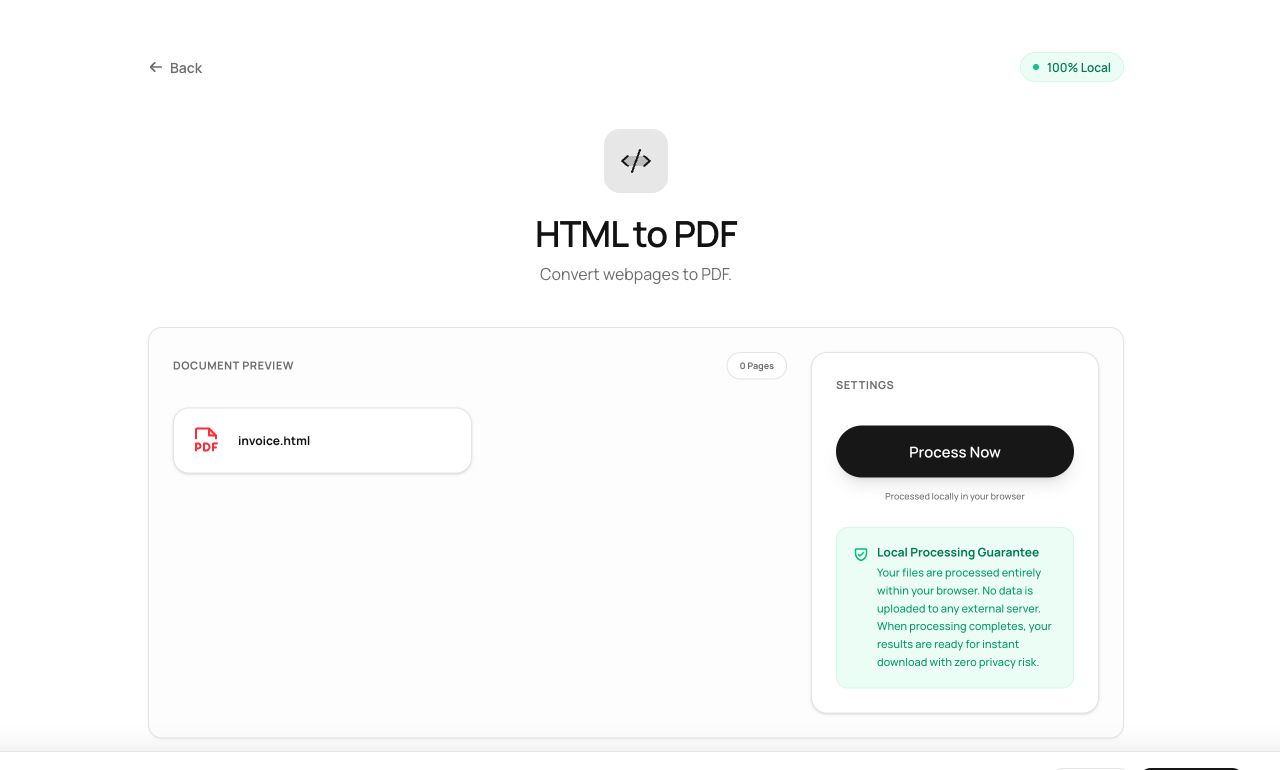
How to use it
- Open HTML to PDF and choose the .html file.
- Process - the page is rendered and paginated.
- Download the PDF.
Try it now: open the HTML to PDF tool - no account, no upload, free.
What happens under the hood
The HTML is rendered by your own browser engine, captured, and written into PDF pages. Because the renderer is the browser itself, what you get is what a browser would show - no server-side approximation of CSS.
Tips for better results
- Self-contained HTML (inline styles/images) converts most faithfully; files referencing missing external assets render without them.
- For live web pages, save the page first (Ctrl/Cmd+S, “complete”), then convert the saved file.
Privacy, in one sentence
Your file is read into your browser's memory, processed there by JavaScript and WebAssembly, and handed back to you as a download - no server ever sees a byte of it. Close the tab and nothing remains.