Jul 27, 2026 · 3 min read · Convert
Rendering HTML Files to PNG or JPG Screenshots
Email templates, dashboards, documentation snippets - sometimes you need HTML as a picture: fixed, portable, and immune to rendering differences.
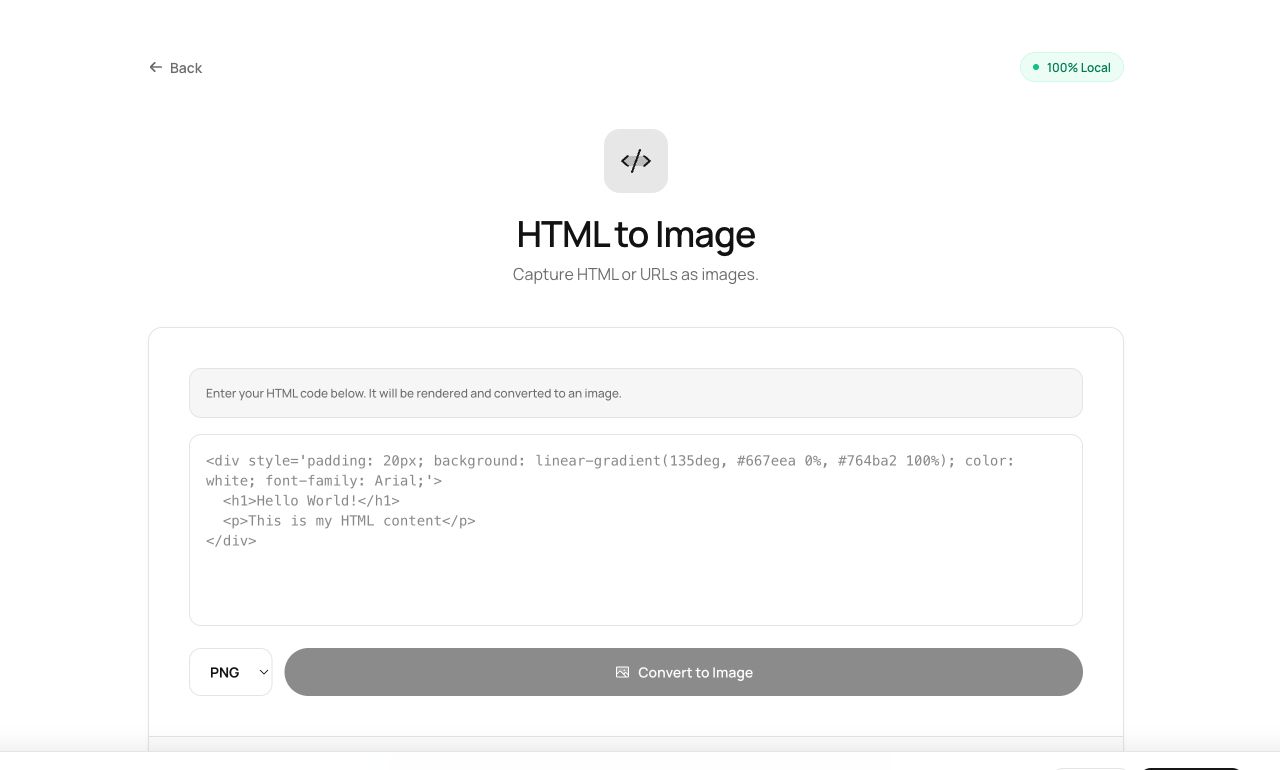
How to use it
- Open HTML to Image and choose the .html file.
- Pick PNG (crisp text) or JPG (smaller).
- Process and download the rendered image.
Try it now: open the HTML to Image tool - no account, no upload, free.
What happens under the hood
The file is rendered by your browser engine and rasterized to a canvas (via html2canvas), capturing the page as it truly displays - then encoded to your chosen format.
Tips for better results
- PNG for anything with text or UI; JPG only when the content is photographic.
- Set explicit dimensions in your HTML for predictable output size.
Privacy, in one sentence
Your file is read into your browser's memory, processed there by JavaScript and WebAssembly, and handed back to you as a download - no server ever sees a byte of it. Close the tab and nothing remains.