Aug 03, 2026 · 3 min read · Guide
Un-Splitting Book Scans: One Page Per Sheet Again
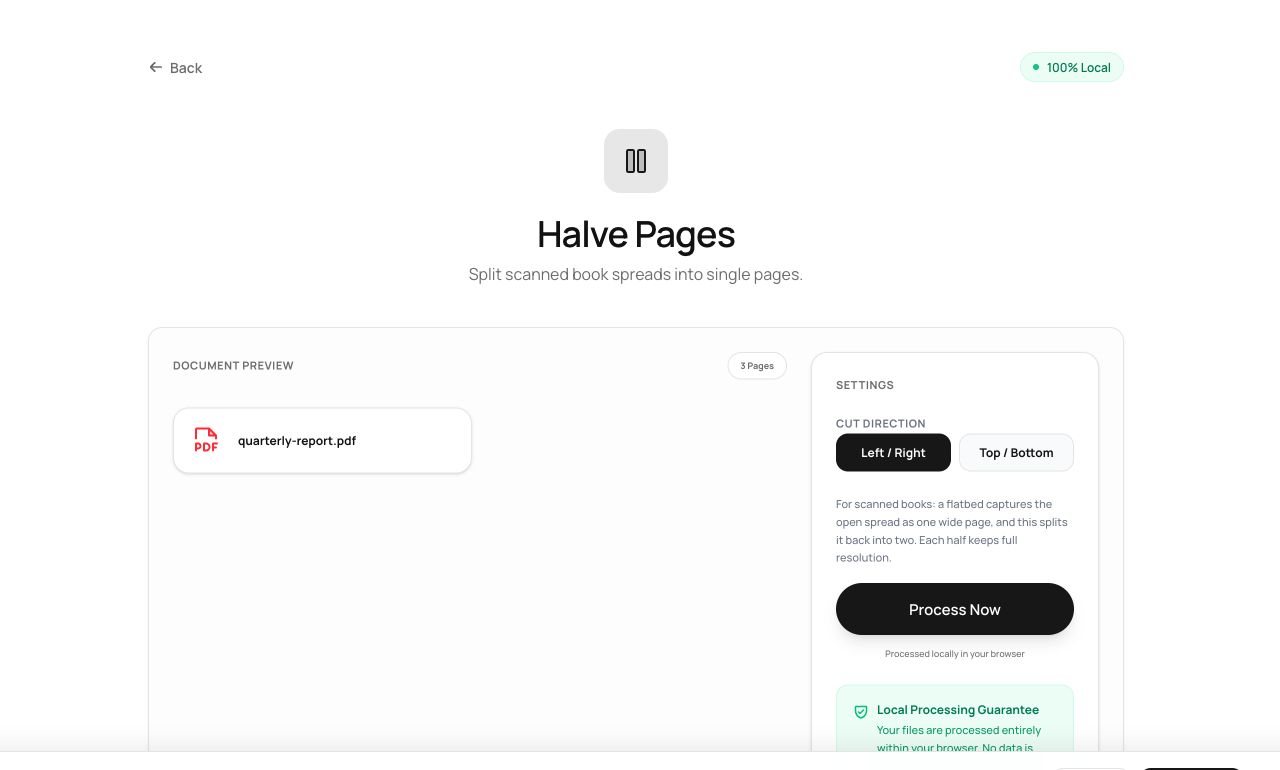
Book scans usually capture two facing pages per image. Readable on a monitor, wrong everywhere else - page numbers don’t match, e-readers show spreads, printing is chaos. This tool cuts every spread down the middle.
How to use it
- Open Halve Pages and choose the scanned PDF.
- Pick the cut direction - vertical for the classic open-book spread.
- Process: a 50-page spread scan becomes a 100-page document in reading order.
Try it now: open the Halve Pages tool - no account, no upload, free.
What happens under the hood
For every source page the tool creates two new pages, each showing one half via a shifted crop of the embedded original. Left half then right half preserves reading order automatically.
Tips for better results
- If the book’s gutter (center margin) leans left or right, crop the result afterwards with Crop PDF for even margins.
- Horizontal halving handles the rarer top/bottom scan layout - calendars, some ledgers.
Privacy, in one sentence
Your file is read into your browser's memory, processed there by JavaScript and WebAssembly, and handed back to you as a download - no server ever sees a byte of it. Close the tab and nothing remains.