Aug 01, 2026 · 4 min read · Optimize
Flattening a PDF: Making Forms and Annotations Permanent
A filled form where the answers can still be edited, annotations that a recipient can silently delete, layers that print differently than they display - sometimes you need a PDF to become exactly what it looks like, permanently.
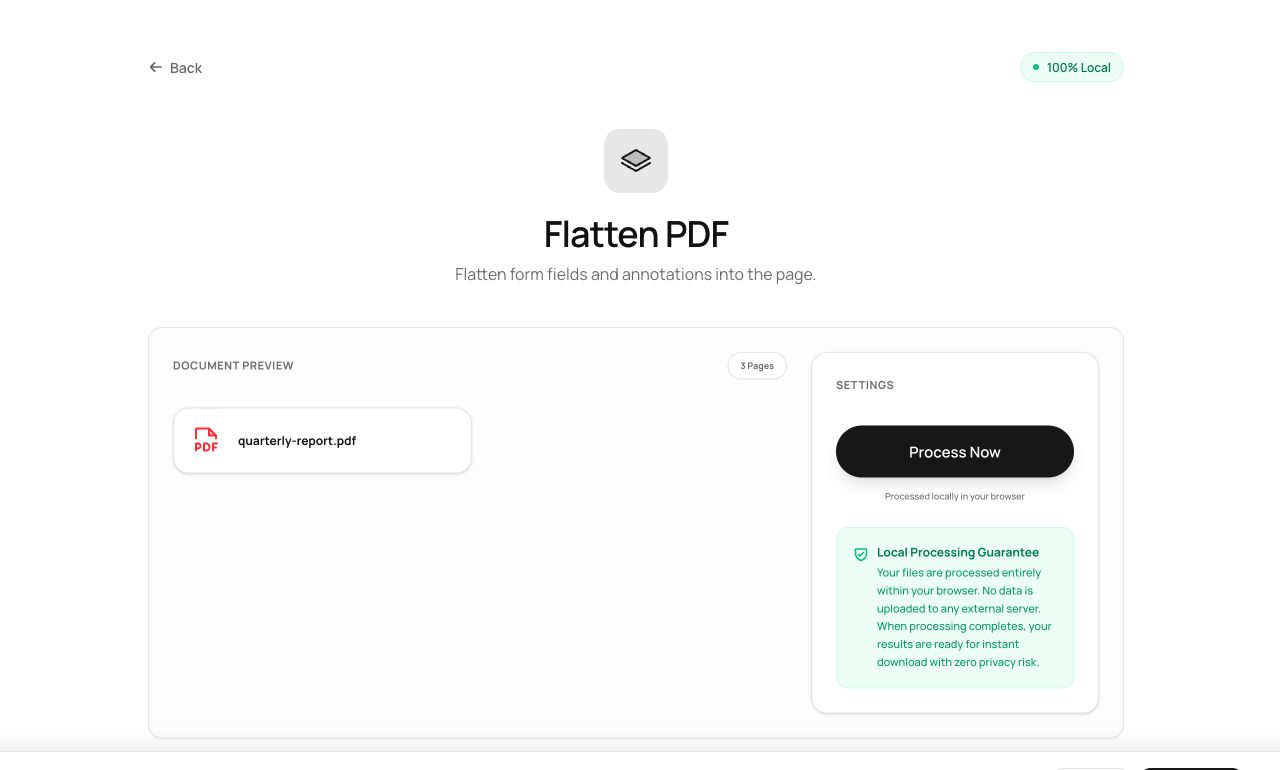
How to use it
- Open Flatten PDF and choose the document.
- Process - every page is rendered and rebuilt as fixed content.
- Download the flattened copy (keep your editable original!).
Try it now: open the Flatten PDF tool - no account, no upload, free.
What happens under the hood
Each page is rasterized at high resolution - form fields, annotations, layers and all - and the result becomes the page’s new content. Nothing interactive survives, which is the point: what you see is all there is.
Tips for better results
- Flatten filled forms before sending them outbound - it’s the difference between “here are my answers” and “here’s a form you can quietly change.”
- Flattening rasterizes the page, so text is no longer selectable - run OCR afterwards if searchability matters.
Privacy, in one sentence
Your file is read into your browser's memory, processed there by JavaScript and WebAssembly, and handed back to you as a download - no server ever sees a byte of it. Close the tab and nothing remains.