Jul 20, 2026 · 3 min read · Guide
Pulling Every Embedded Image Out of a PDF
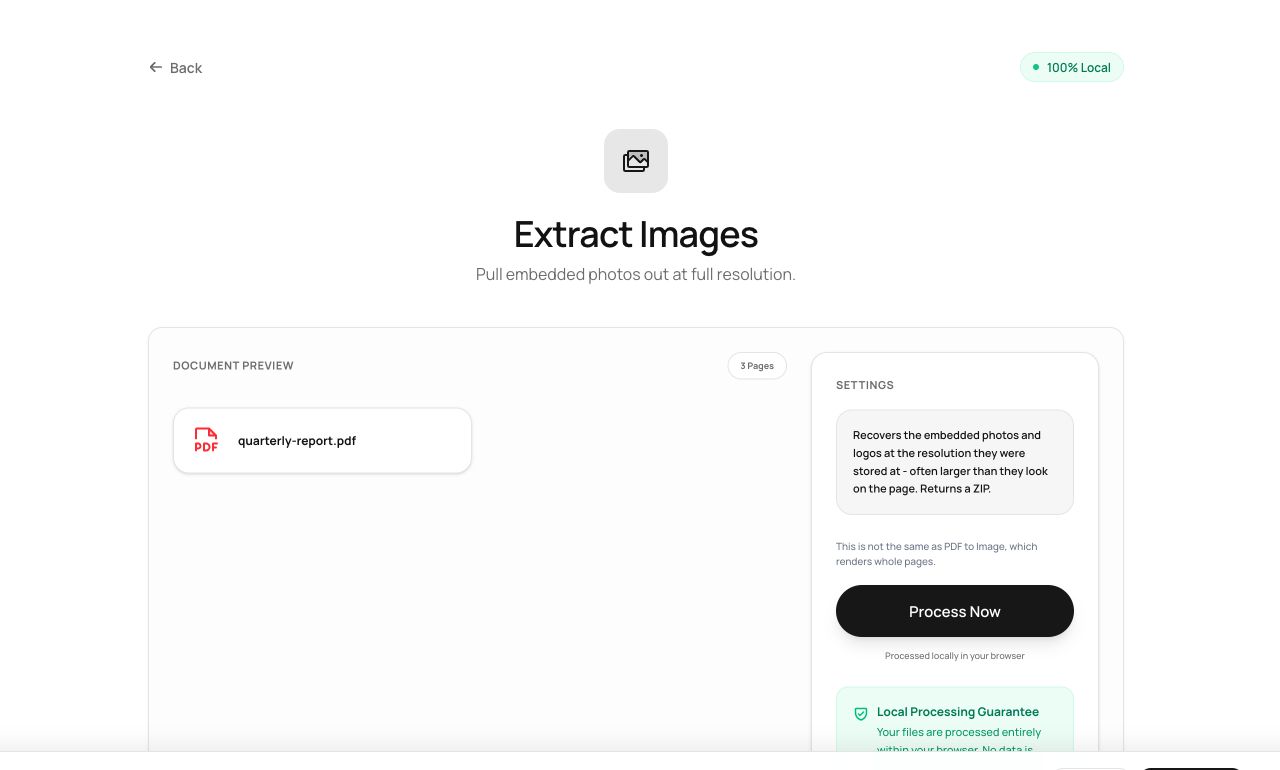
The chart you need is inside the PDF at full resolution - screenshotting it throws that resolution away. Extraction pulls the embedded originals out as files.
How to use it
- Open Extract Images and choose the PDF.
- Process - every embedded image is located and unpacked.
- Download them (a ZIP when there are several).
Try it now: open the Extract Images tool - no account, no upload, free.
What happens under the hood
PDFs store images as embedded objects. The tool walks each page’s resources, decodes every image object at its stored resolution, and hands them back as individual files - the actual assets, not screenshots of them.
Tips for better results
- Logos and photos come out at the quality they went in - often far higher than the page displays.
- Vector graphics aren’t images and won’t extract this way; render the page with PDF to Image instead.
Privacy, in one sentence
Your file is read into your browser's memory, processed there by JavaScript and WebAssembly, and handed back to you as a download - no server ever sees a byte of it. Close the tab and nothing remains.