Jul 29, 2026 · 4 min read · Convert
Excel to PDF: Printing Spreadsheets That Behave
Spreadsheets are infinite in two directions; paper isn’t. Turning .xlsx into a PDF anyone can open, print and not accidentally edit is a daily office chore - done here without the workbook leaving your machine.
How to use it
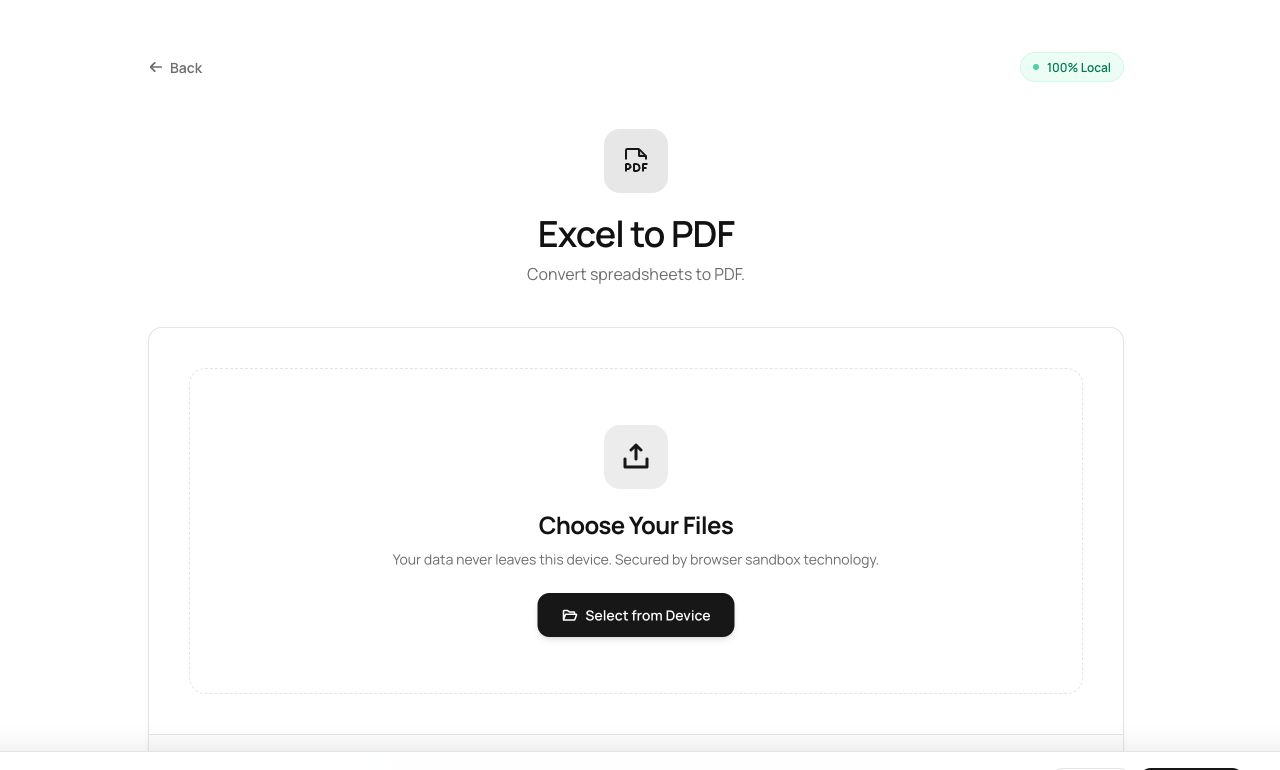
- Open Excel to PDF and choose the workbook (.xlsx, .xls or .csv).
- Process - each sheet is laid out onto pages.
- Download the PDF.
Try it now: open the Excel to PDF tool - no account, no upload, free.
What happens under the hood
SheetJS parses the workbook in the browser; each sheet’s used range is rendered as a table and paginated. Cell values arrive as displayed - formulas become their results, which for a distributed report is exactly right.
Tips for better results
- Very wide sheets paginate horizontally too - consider hiding helper columns before converting.
- CSV in, PDF out is the fastest path from “data dump” to “something you can send a client”.
Privacy, in one sentence
Your file is read into your browser's memory, processed there by JavaScript and WebAssembly, and handed back to you as a download - no server ever sees a byte of it. Close the tab and nothing remains.