Aug 04, 2026 · 3 min read · Tips
Why a Blank-PDF Generator Is Surprisingly Useful
A generator for blank PDFs sounds like a joke tool until the day you need a placeholder page to fix double-sided printing, separator sheets between scan batches, or an empty canvas for a form you’re about to build.
How to use it
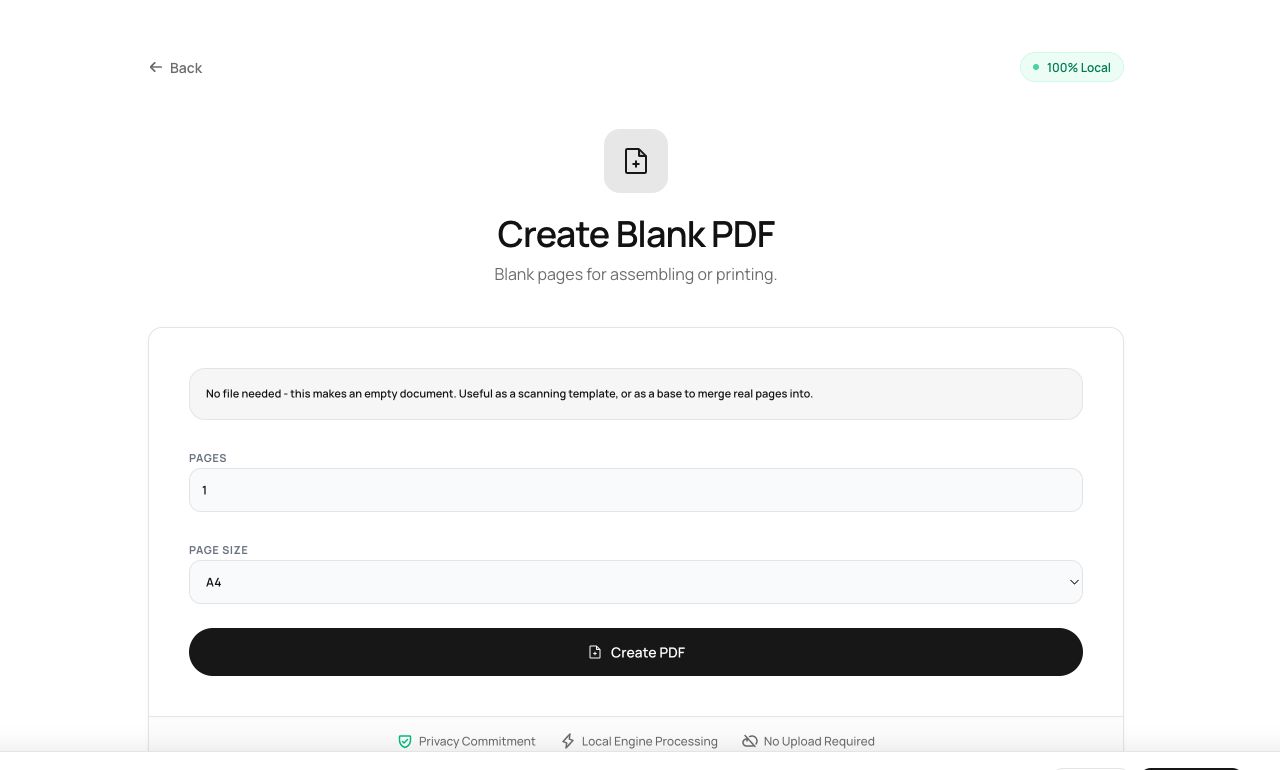
- Open Create Blank PDF - no input file needed.
- Choose the number of pages and the page size (A4, Letter, Legal and more).
- Generate and download.
Try it now: open the Create Blank PDF tool - no account, no upload, free.
What happens under the hood
The tool builds a minimal, standards-correct PDF from scratch in memory: a page tree with empty content streams at the exact dimensions you chose. It is the smallest valid PDF you will ever meet.
Tips for better results
- Merge a blank page into a document before an odd-numbered section to keep chapters starting on the right-hand side in duplex printing.
- Blank pages make clean “intentionally left blank” placeholders in legal compilations.
Privacy, in one sentence
Your file is read into your browser's memory, processed there by JavaScript and WebAssembly, and handed back to you as a download - no server ever sees a byte of it. Close the tab and nothing remains.