Jul 22, 2026 · 3 min read · Convert
Converting HEIC, PNG and WebP Photos to Universal JPG
iPhones shoot HEIC, the web wants JPG, and the government portal wants nothing invented after 2005. Converting to JPG is the universal-compatibility move, and it handles HEIC right in the browser.
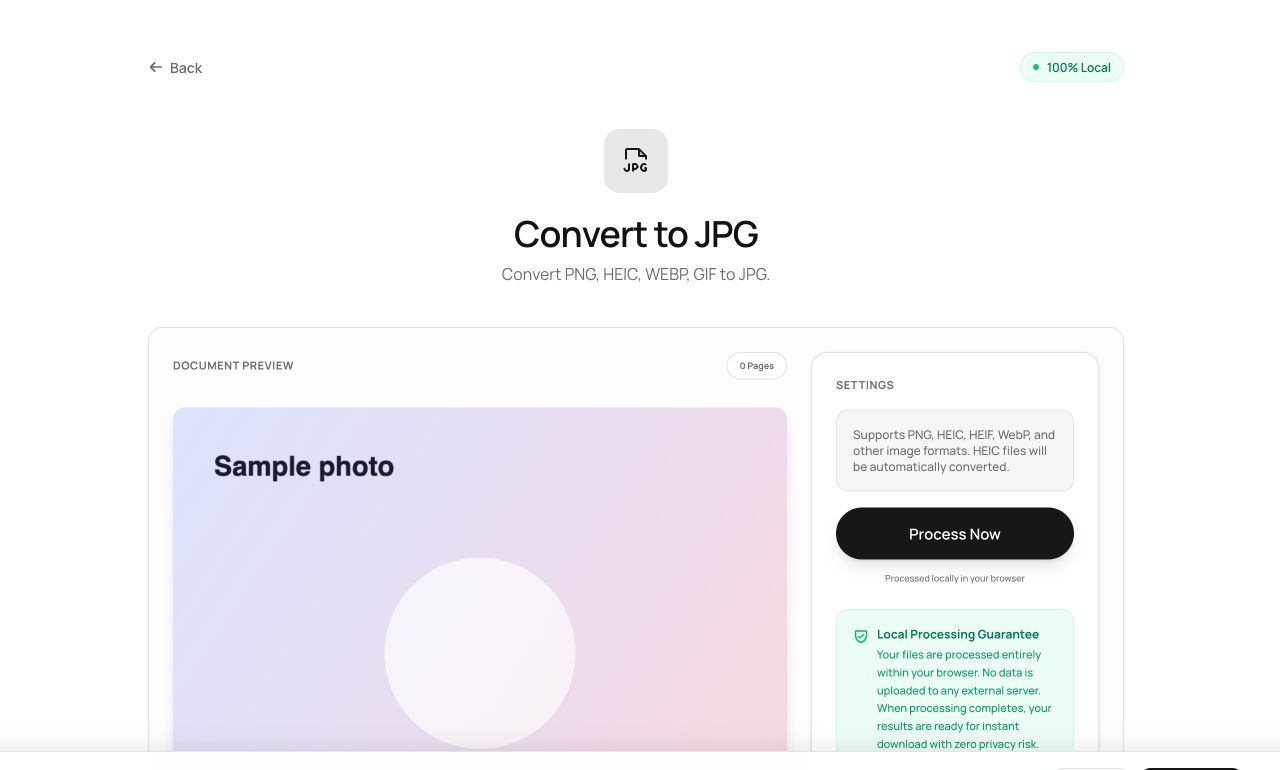
How to use it
- Open Convert to JPG and choose the image - HEIC, PNG, WebP, BMP all accepted.
- Process and download the .jpg.
Try it now: open the Convert to JPG tool - no account, no upload, free.
What happens under the hood
HEIC files are decoded by a WebAssembly codec locally (the format browsers can’t natively read); everything else decodes natively. The image is then encoded to high-quality JPEG. Your photos never queue on a converter site’s server.
Tips for better results
- JPG has no transparency - transparent PNG regions become white. Keep PNG when transparency matters.
- For dozens of vacation HEICs, convert the ones you actually share; storage formats are fine at rest.
Privacy, in one sentence
Your file is read into your browser's memory, processed there by JavaScript and WebAssembly, and handed back to you as a download - no server ever sees a byte of it. Close the tab and nothing remains.