Jul 22, 2026 · 3 min read · Convert
JPG to PNG: When and Why to Convert Upward
Converting JPG to PNG doesn’t recover quality JPG already discarded - anyone claiming otherwise is selling something. What it does buy: lossless edits from here on, and compatibility with transparency workflows.
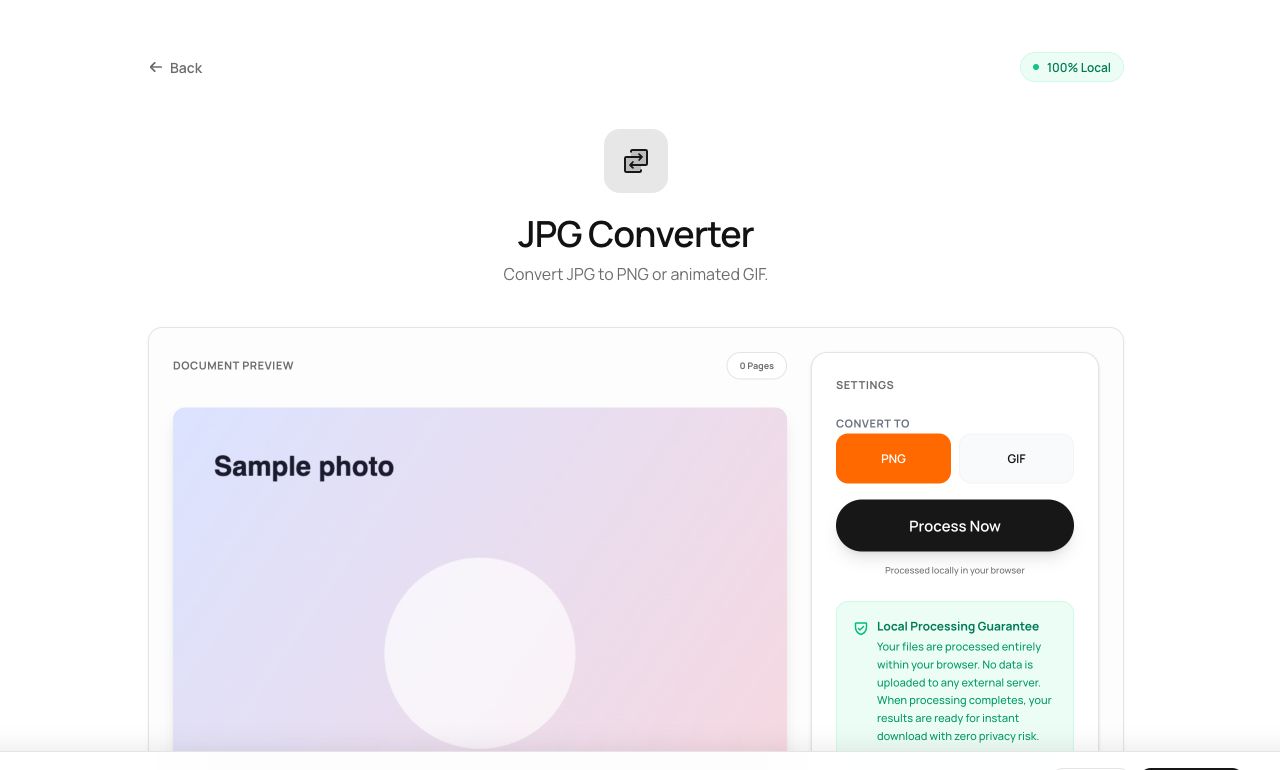
How to use it
- Open JPG to PNG and choose the image.
- Process and download the .png.
Try it now: open the JPG to PNG tool - no account, no upload, free.
What happens under the hood
The JPG is decoded and re-encoded losslessly as PNG. The current pixels are preserved exactly; future edits and saves stop accumulating generational JPEG loss.
Tips for better results
- Convert to PNG before a chain of edits, not after.
- Expect bigger files - lossless costs bytes, especially on photos.
Privacy, in one sentence
Your file is read into your browser's memory, processed there by JavaScript and WebAssembly, and handed back to you as a download - no server ever sees a byte of it. Close the tab and nothing remains.