Aug 01, 2026 · 5 min read · Optimize
What PDF Compression Actually Does (And Doesn’t)
PDF compression is the most requested and most misunderstood document operation. There is no magic dial - there is dead weight to remove, structures to pack tighter, and a hard floor set by what’s actually in the file.
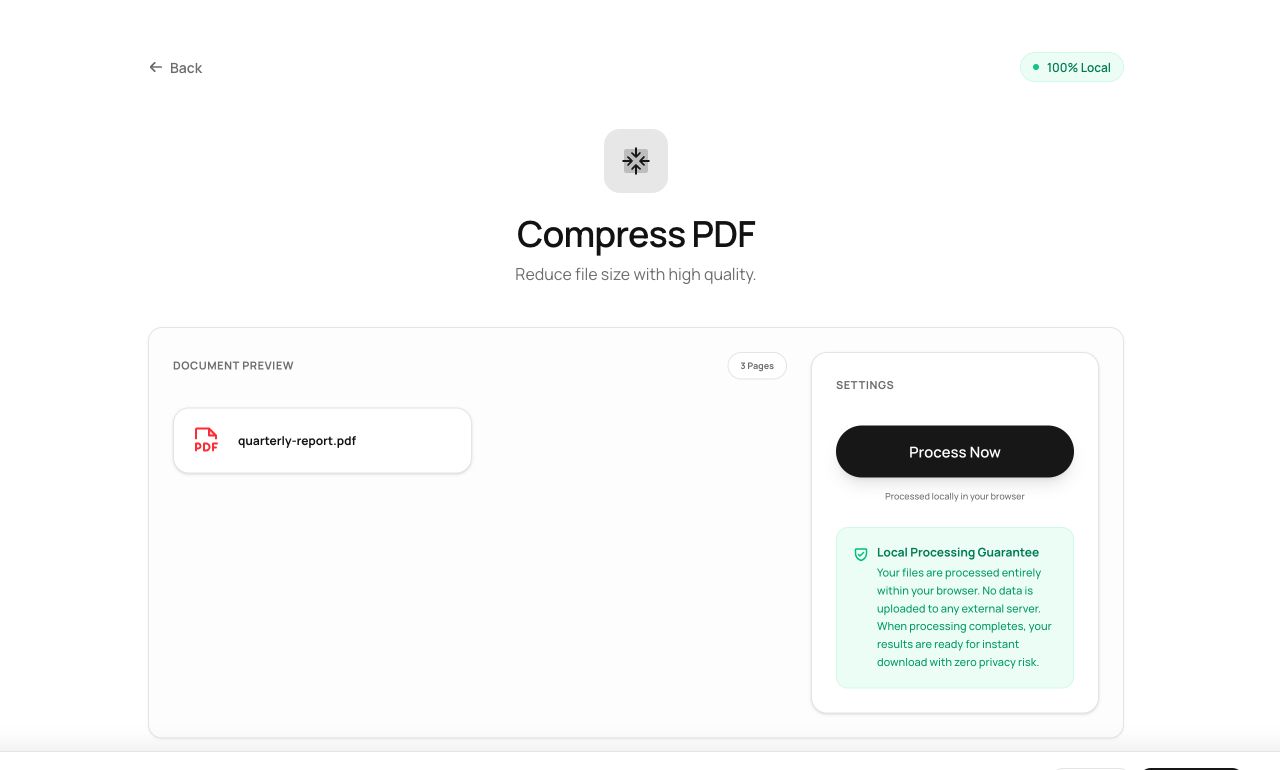
How to use it
- Open Compress PDF and drop in your file.
- Process - the tool rebuilds the document in its most compact valid form.
- Compare the before/after sizes and download.
Try it now: open the Compress PDF tool - no account, no upload, free.
What happens under the hood
The engine rewrites the document with object streams (packing PDF’s internal bookkeeping tightly), deduplicates identical objects like repeated fonts and images, and drops orphaned data left behind by editors. What it deliberately doesn’t do is recompress your images into mush - quality is preserved, which also honestly bounds how much a photo-heavy file can shrink.
Tips for better results
- Files that went through many edit cycles shrink the most - editors leave surprising amounts of orphaned data behind.
- A scan that’s essentially 50 JPEGs in a wrapper won’t shrink much without quality loss; that file needs rescanning at sensible settings, not compression.
Privacy, in one sentence
Your file is read into your browser's memory, processed there by JavaScript and WebAssembly, and handed back to you as a download - no server ever sees a byte of it. Close the tab and nothing remains.