Jul 23, 2026 · 4 min read · Optimize
Image Compression: Smaller Files Your Eyes Can’t Tell Apart
The 8 MB phone photo and the form that accepts 2 MB; the email with three attachments that bounces. Image compression is a perception game - done right, the eye can’t find the missing 80%.
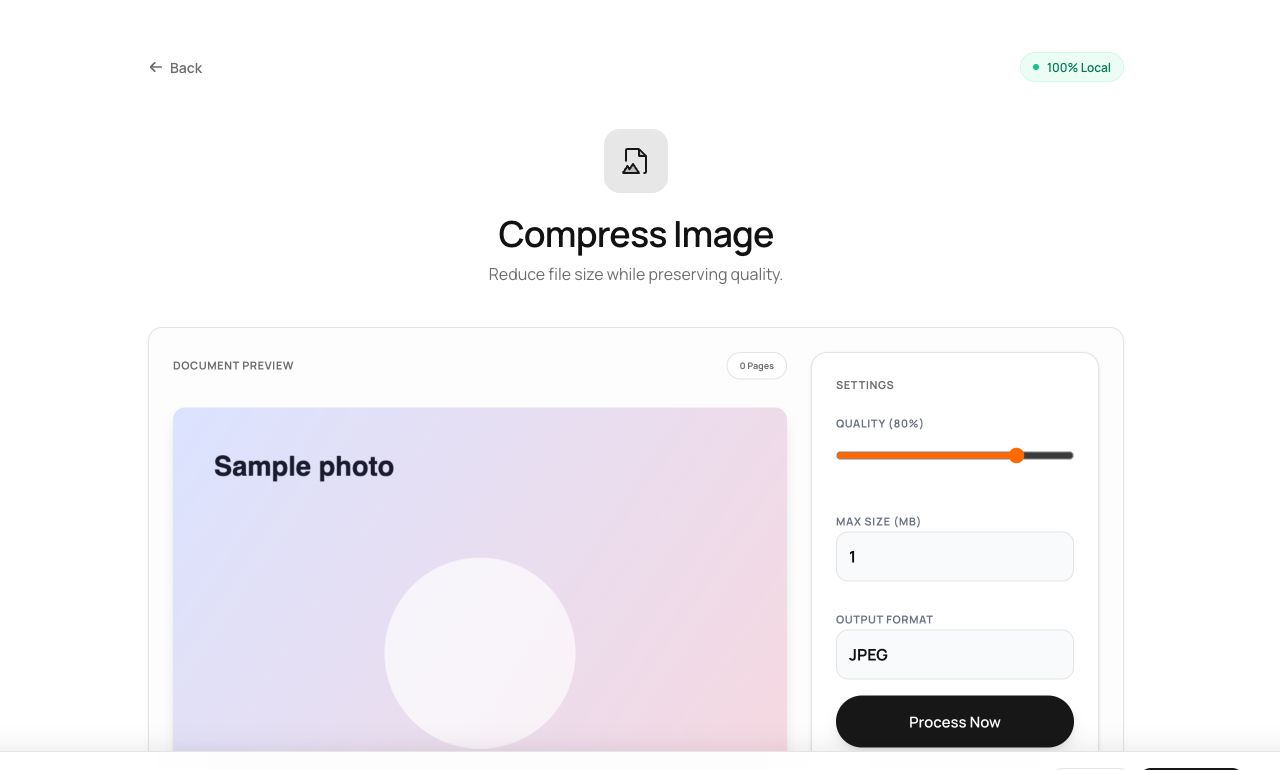
How to use it
- Open Compress Image and choose the photo.
- Pick target quality (and optionally a max size); the tool shows the before/after.
- Download the smaller file.
Try it now: open the Compress Image tool - no account, no upload, free.
What happens under the hood
The image is re-encoded in your browser with tuned quality settings - JPEG/WebP quantization does the shrinking by discarding detail human vision weighs least. The 75-85% quality band is the perceptual sweet spot where files drop dramatically before artifacts appear.
Tips for better results
- Compress after resizing: a 4000px image destined for a 800px slot should shed pixels first, then bytes.
- Recompressing an already-compressed JPEG compounds loss - always work from the best copy you have.
Privacy, in one sentence
Your file is read into your browser's memory, processed there by JavaScript and WebAssembly, and handed back to you as a download - no server ever sees a byte of it. Close the tab and nothing remains.