Jul 21, 2026 · 4 min read · Security
Automatically Blurring Faces in Photos, Locally
Publishing photos of crowds, classrooms or street scenes increasingly means anonymizing faces first. Uploading those photos to a face-blurring service is self-defeating in the funniest possible way - so this one runs the face detector in your browser.
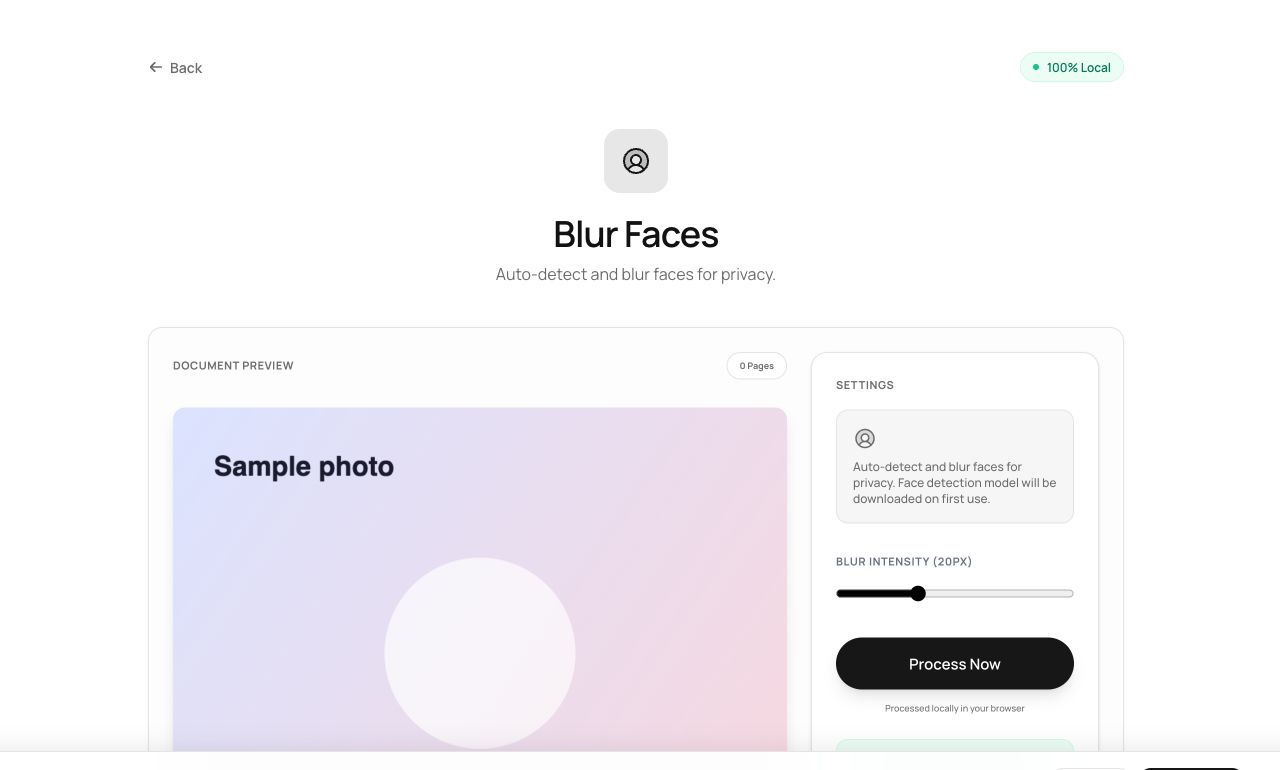
How to use it
- Open Blur Faces and choose the photo.
- Process - a neural face detector finds every face and blurs it.
- Review the result and download.
Try it now: open the Blur Faces tool - no account, no upload, free.
What happens under the hood
A compact face-detection model (running via WebAssembly/WebGL in your tab) locates faces, and each detected region is heavily gaussian-blurred - beyond recognition and beyond “enhance”. The photo never leaves the machine that took it.
Tips for better results
- Verify detection on group shots - profile views and heavy occlusion can hide a face from any detector.
- For missed faces, a manual pass with the Photo Editor’s pixelate/blur finishes the job.
Privacy, in one sentence
Your file is read into your browser's memory, processed there by JavaScript and WebAssembly, and handed back to you as a download - no server ever sees a byte of it. Close the tab and nothing remains.