Aug 02, 2026 · 4 min read · Edit
Adding Sticky Notes and Annotations a Reader Can See
Comments belong in annotations, not scribbled into the page content. Real PDF annotations show up in Acrobat, Preview and every serious reader, can be listed and stepped through, and don’t permanently alter the document.
How to use it
- Open Annotate PDF and choose the document.
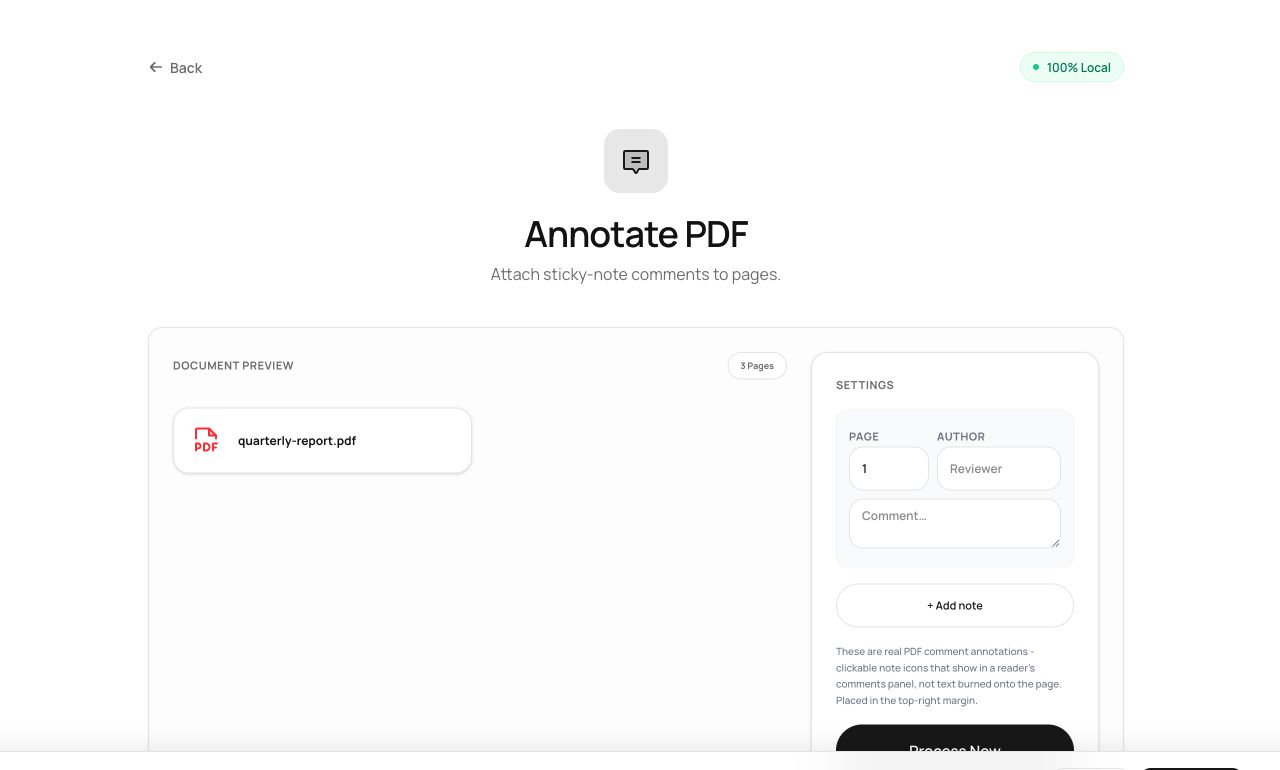
- Add notes where they’re needed - each becomes a proper sticky-note annotation on its page.
- Process and download; recipients see your notes in any standards-compliant reader.
Try it now: open the Annotate PDF tool - no account, no upload, free.
What happens under the hood
Notes are written as /Text annotation objects - the PDF standard’s comment type - attached to each page with your text as content. Readers render them as the familiar expandable speech-bubble icon.
Tips for better results
- Annotations remain separate from page content, so Flatten PDF later if you want them permanently visible in print.
- Because notes are standard objects, recipients can reply to them in Acrobat - a real review loop, no platform account required.
Privacy, in one sentence
Your file is read into your browser's memory, processed there by JavaScript and WebAssembly, and handed back to you as a download - no server ever sees a byte of it. Close the tab and nothing remains.